
+++ : Send emails to your audience via Mail Designer 365 Delivery Hub! Learn more → +++
Increase sales with an all-in-one email campaign creation platform
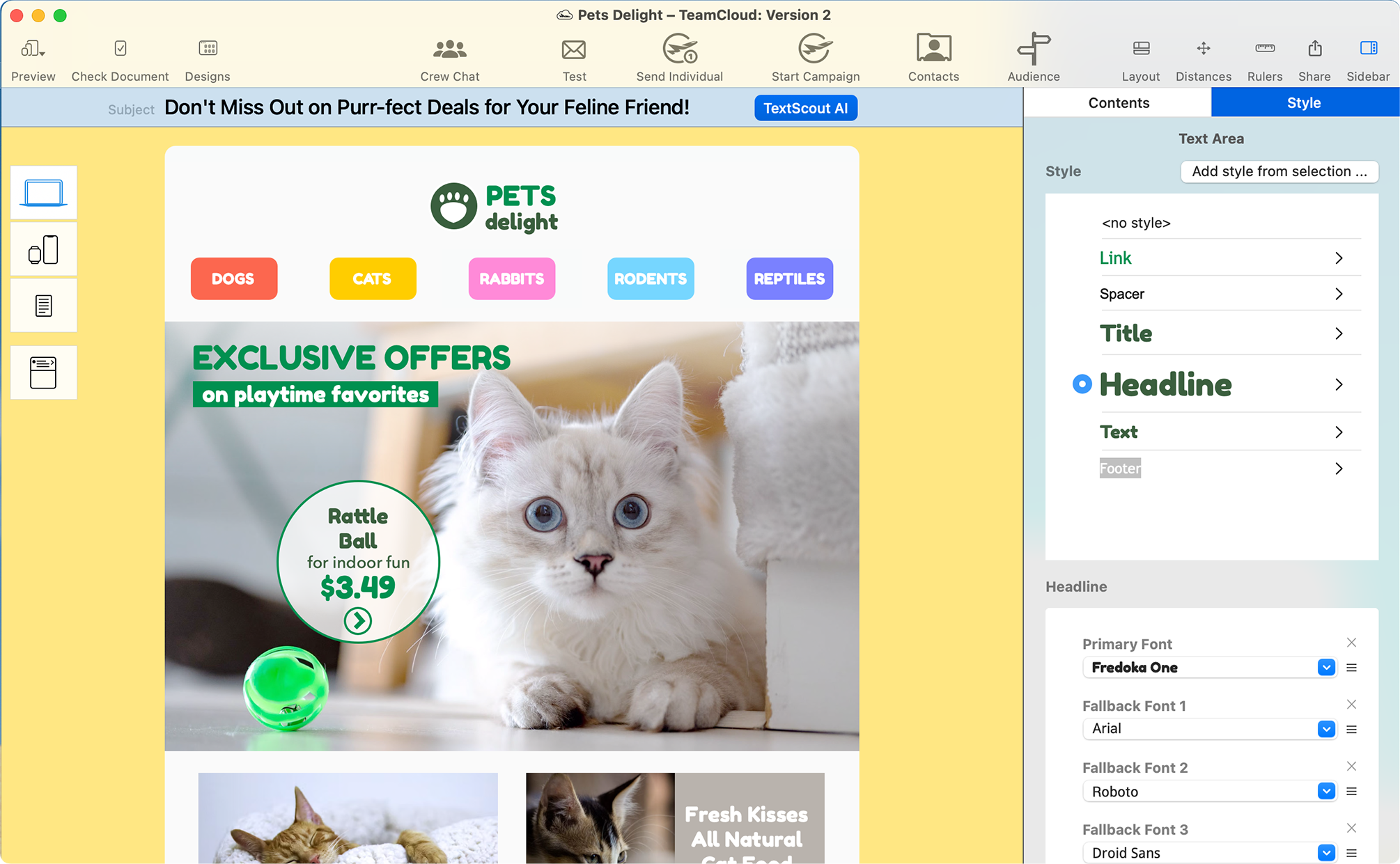

Your newsletters have never looked this good
Say goodbye to limited web-based editors and unleash the full power of your Mac. Drag and drop to effortlessly create emails that stand out among the crowd. Complete design flexibility. No coding required.

Send email campaigns
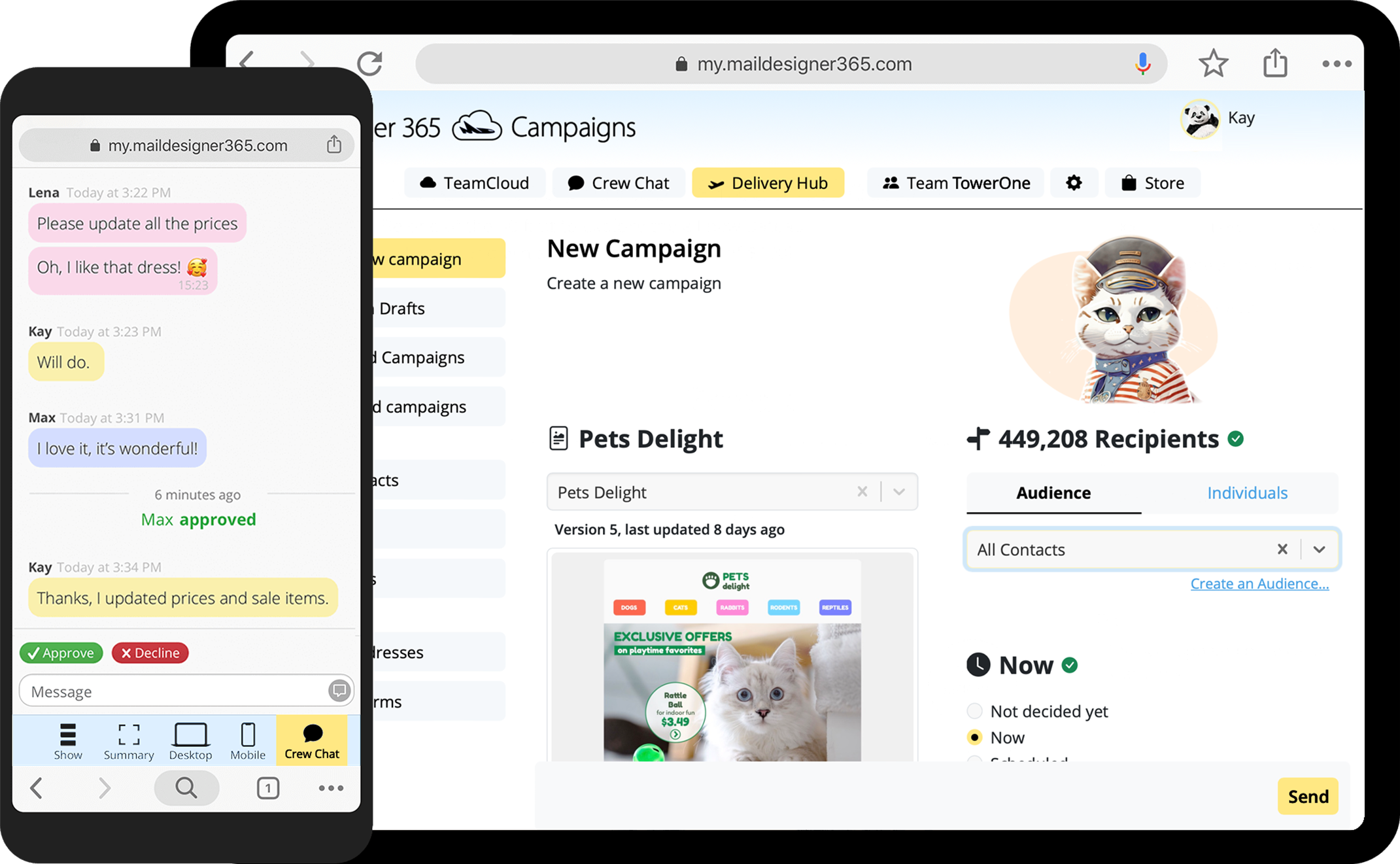
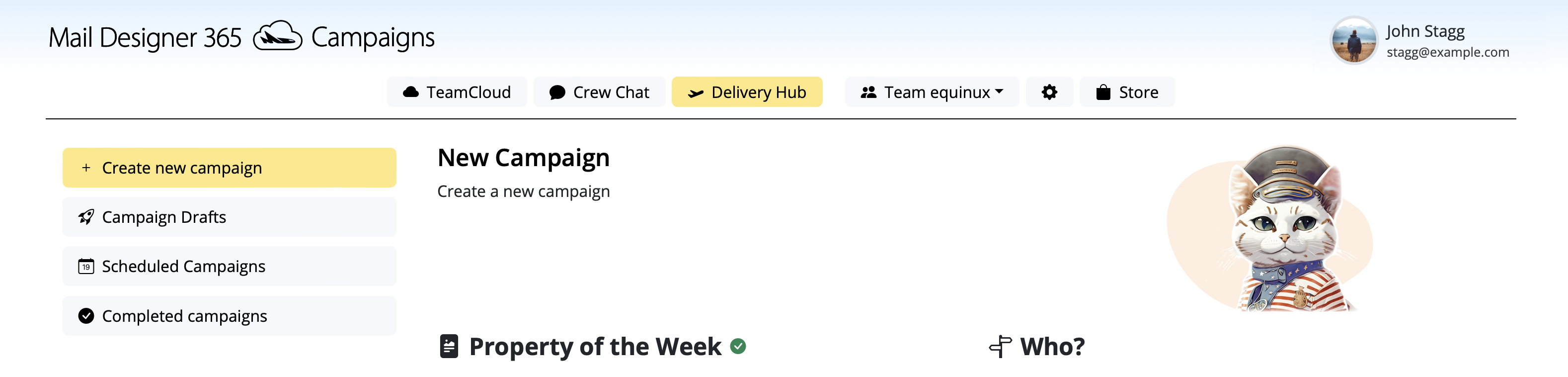
Ready to go? Schedule and send campaigns for audiences of any size in Delivery Hub. Track performance with live delivery statistics and in depth campaign analytics.
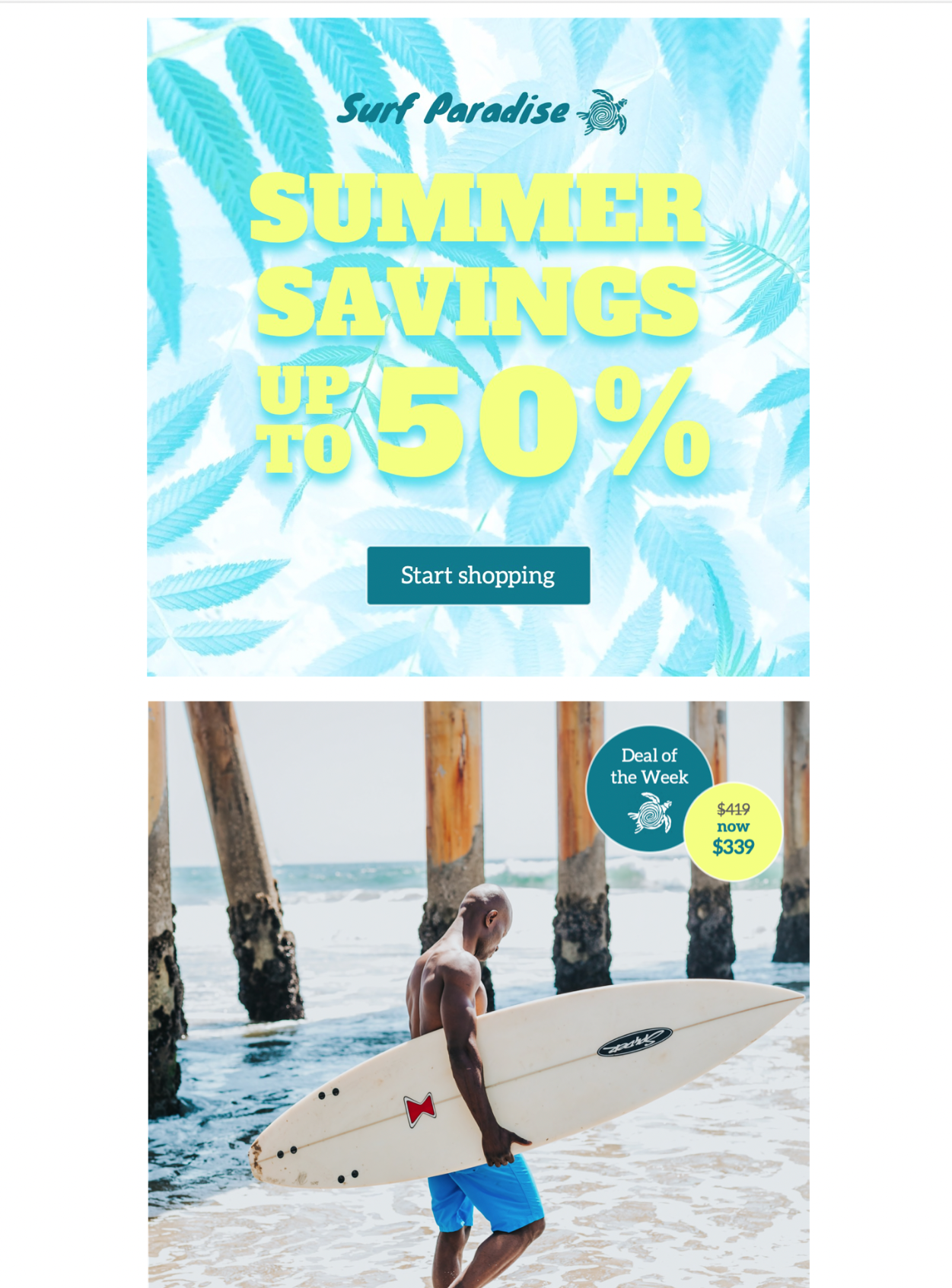
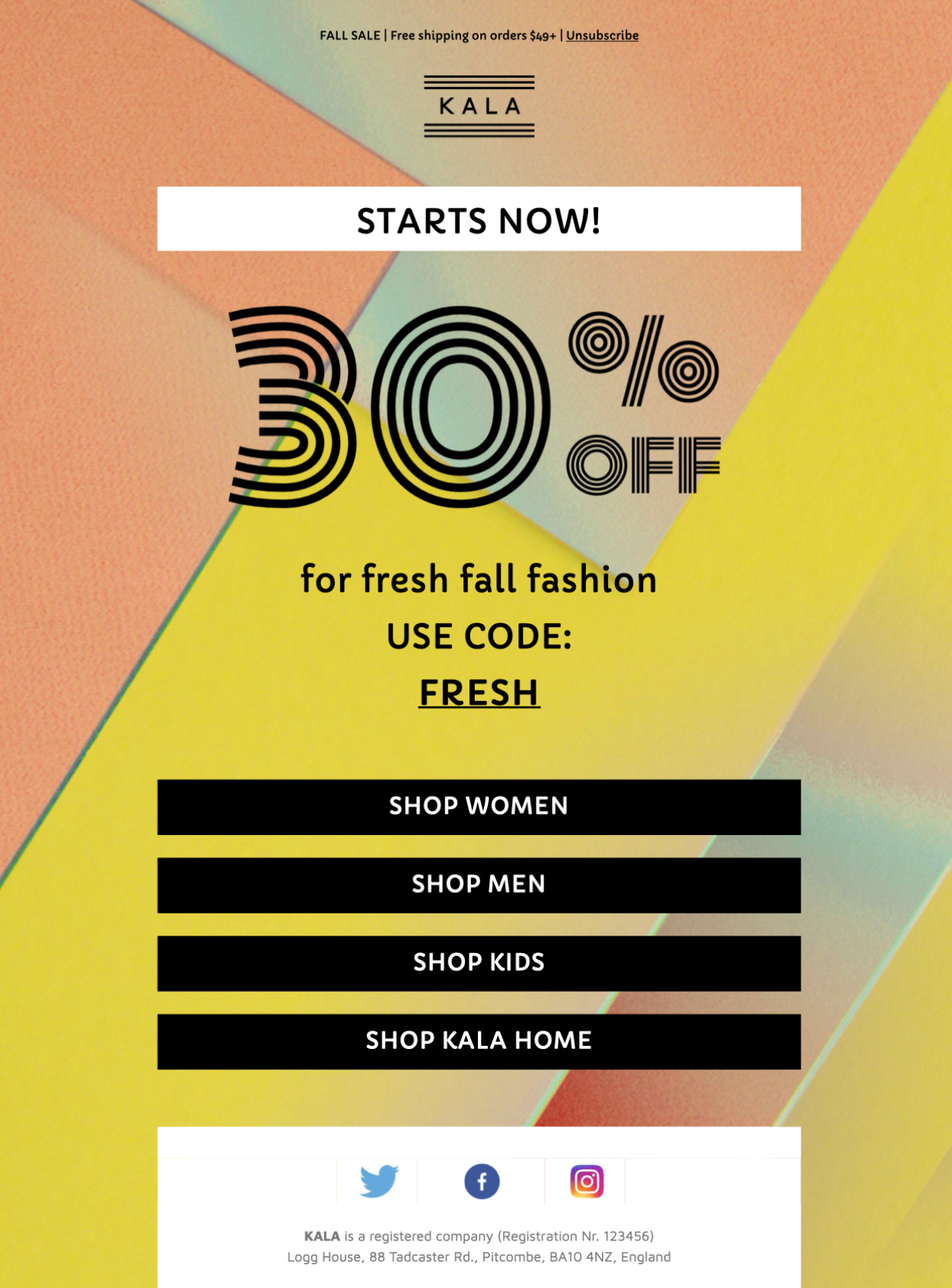
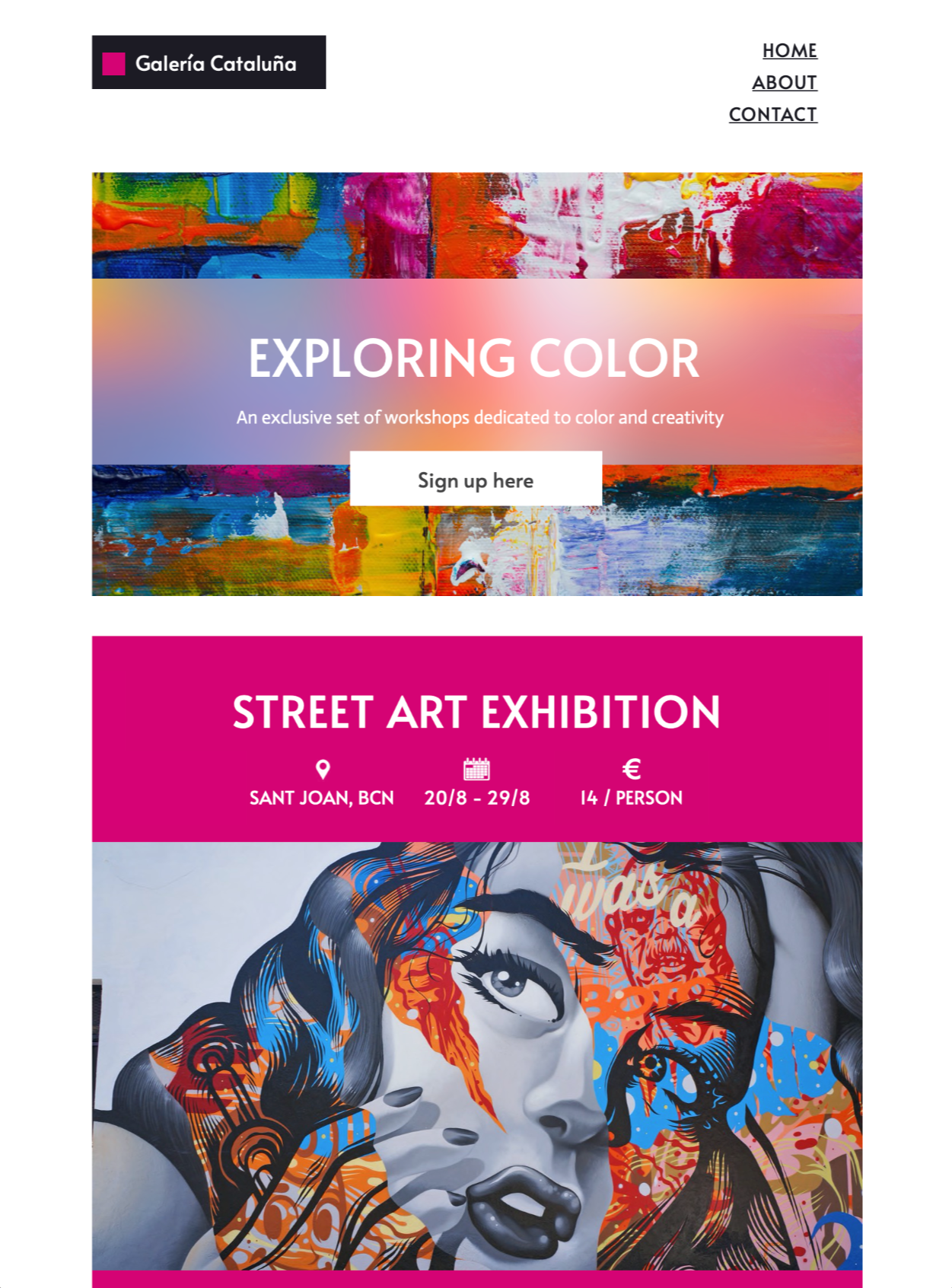
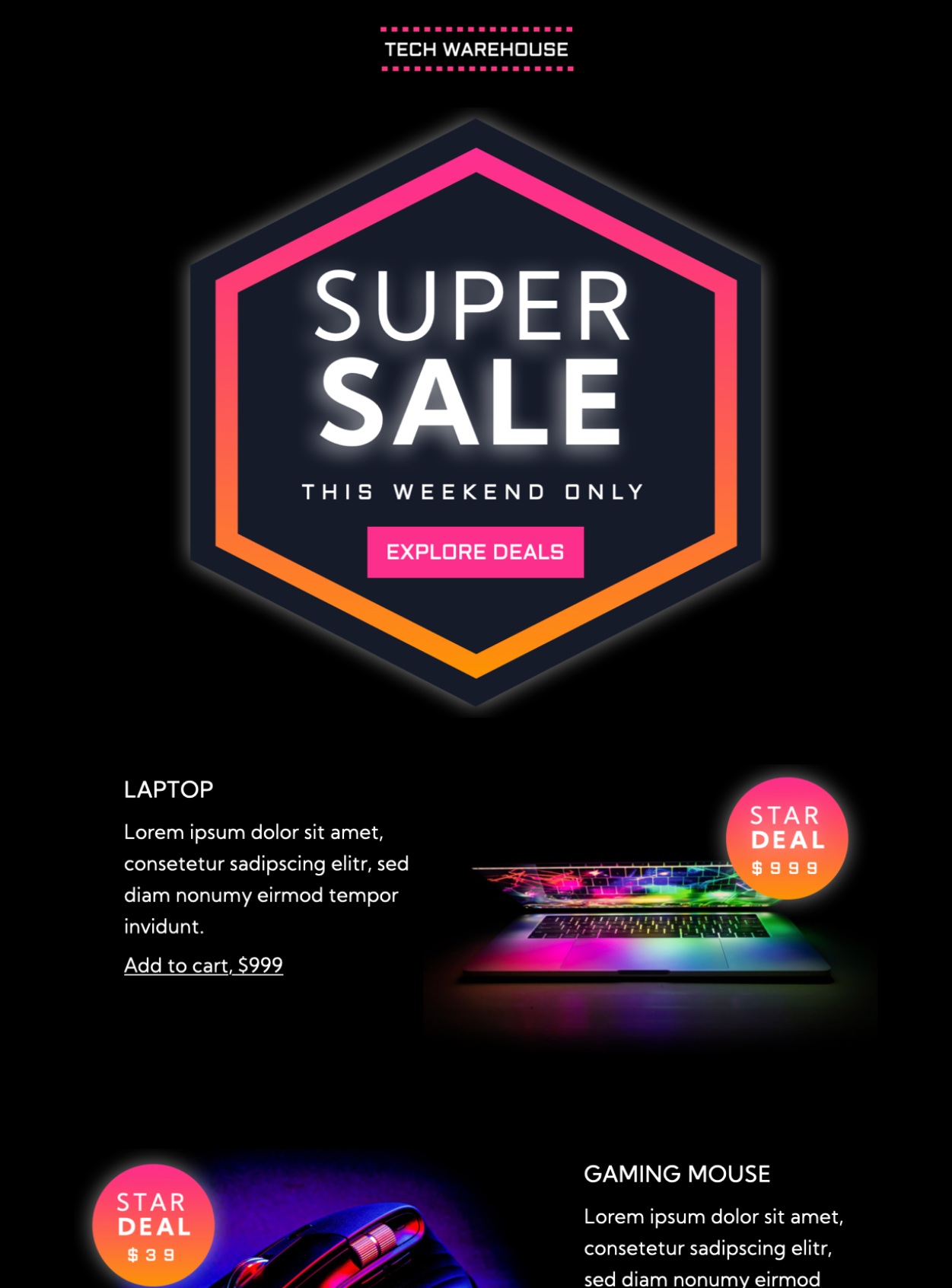
Explore email templates for all use cases
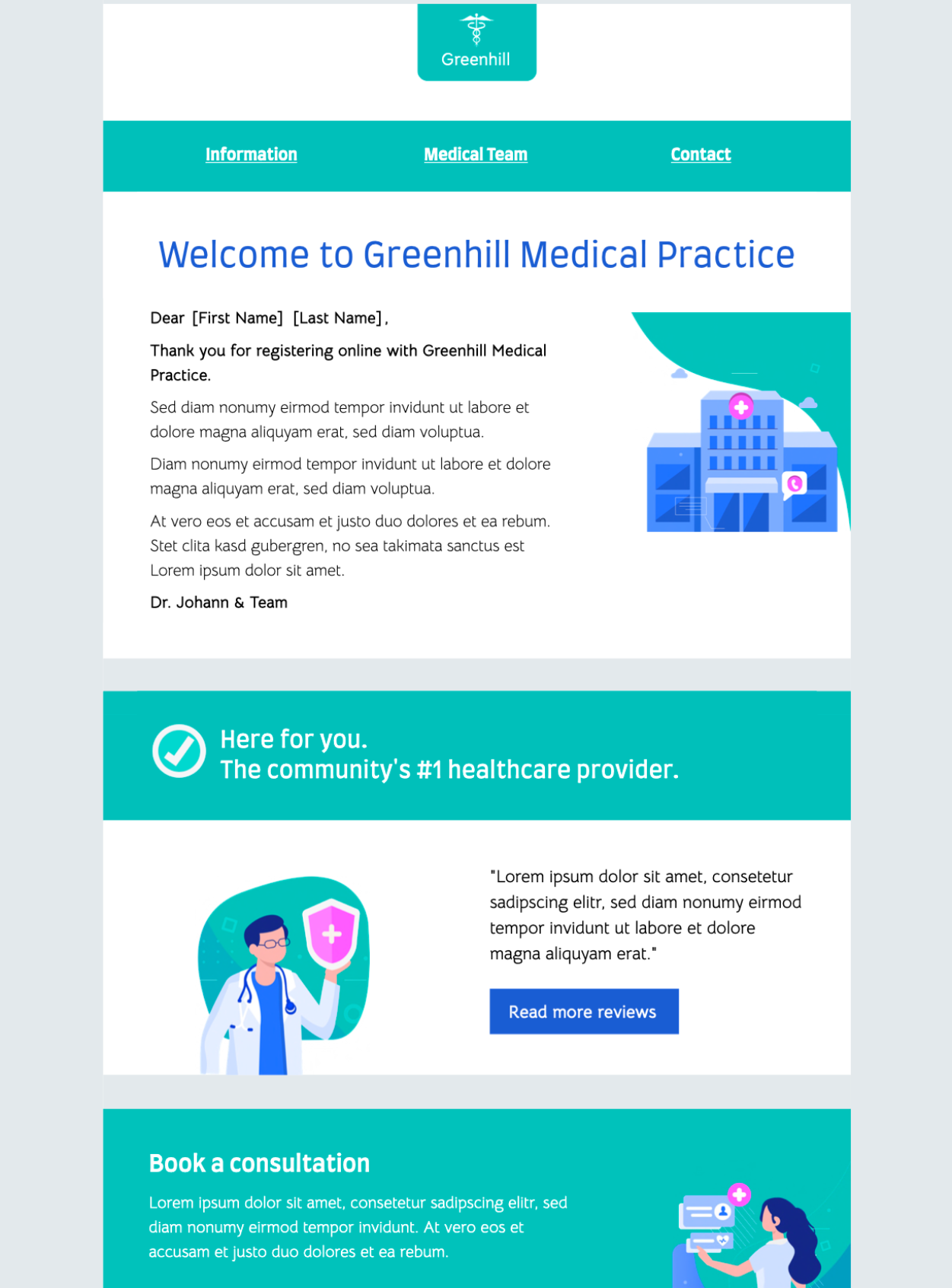
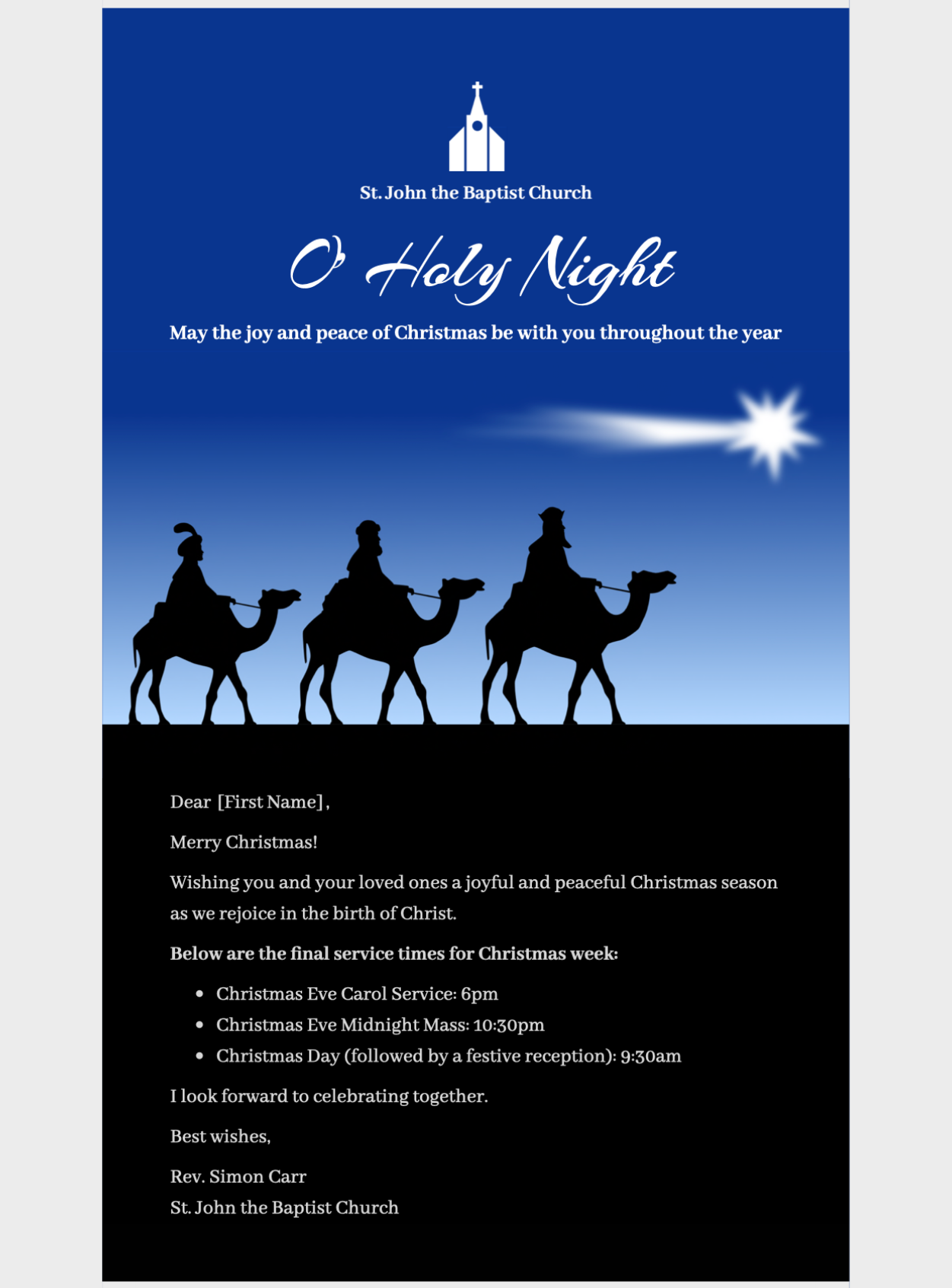
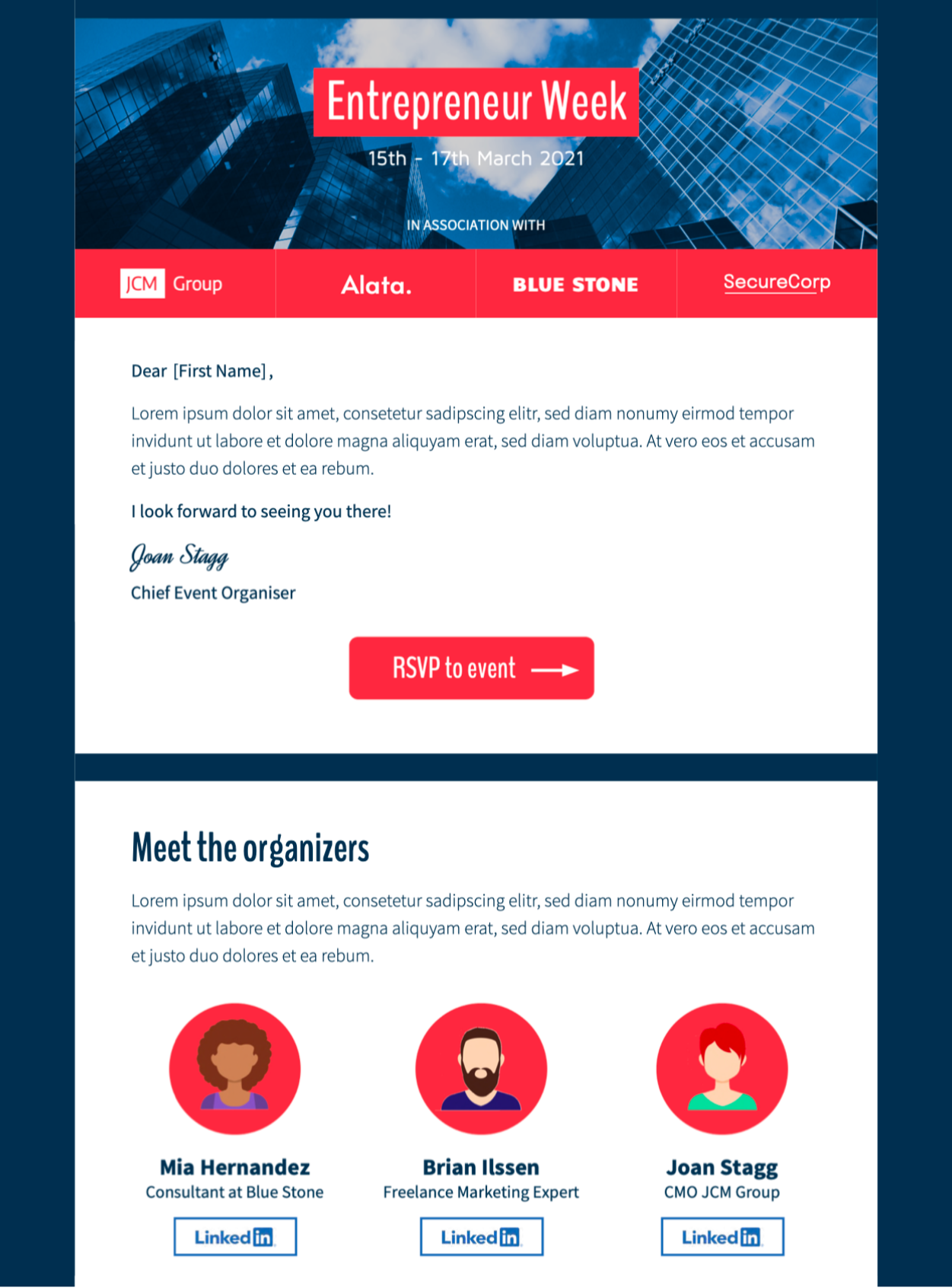
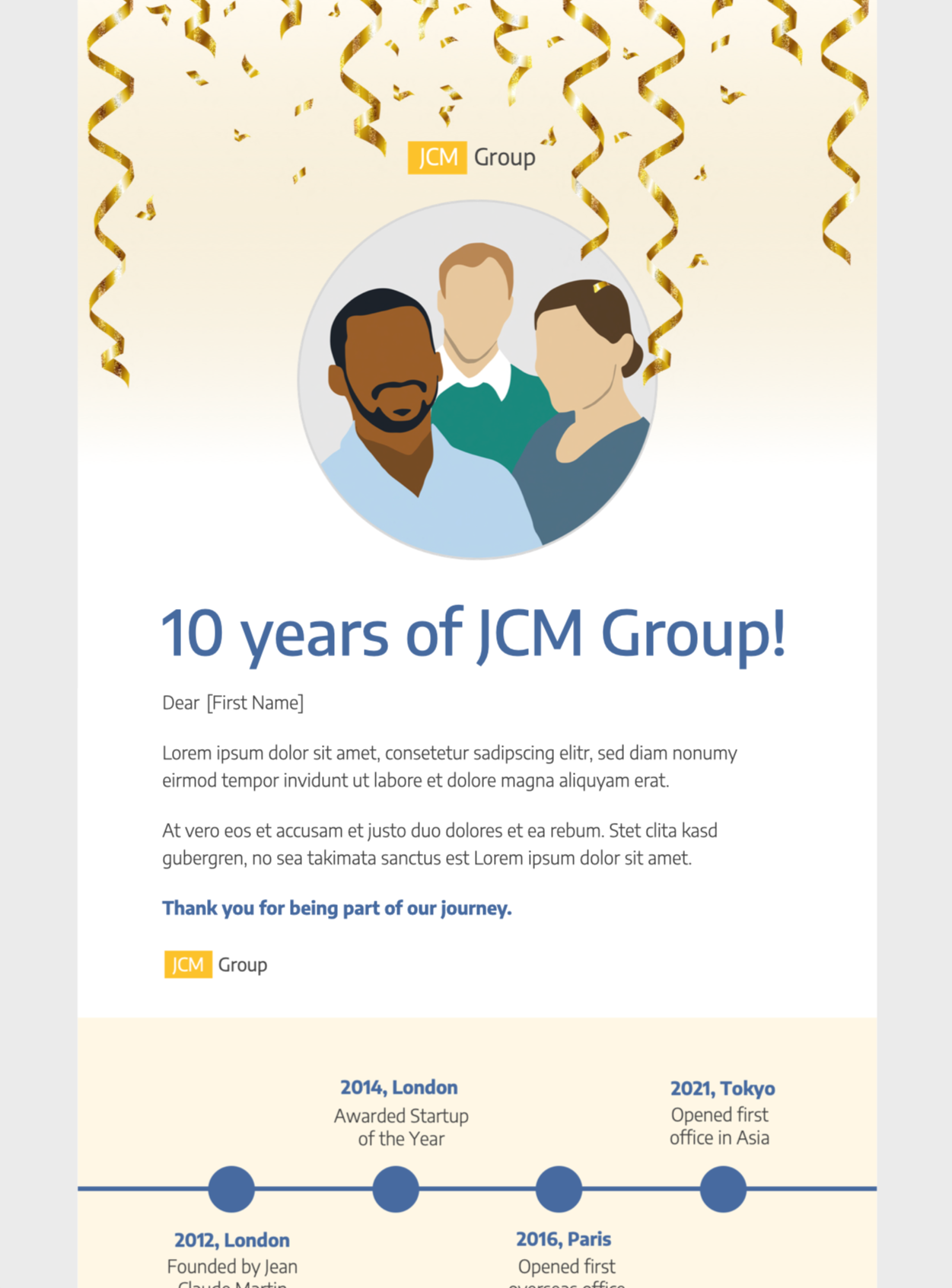
Edit and send expertly designed email templates for sales campaigns, holiday promotions, business news, religious events, client outreach, and so much more.
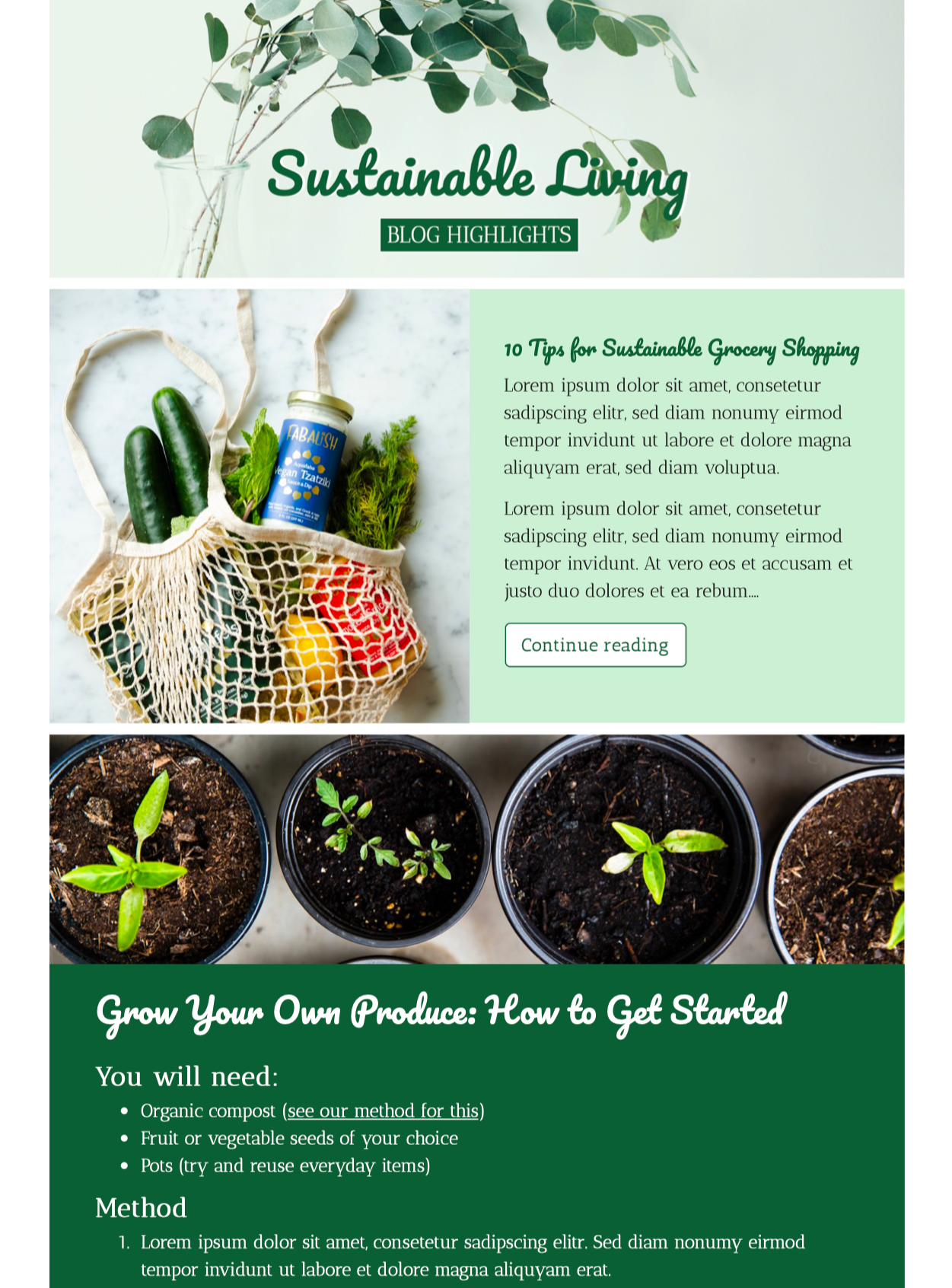
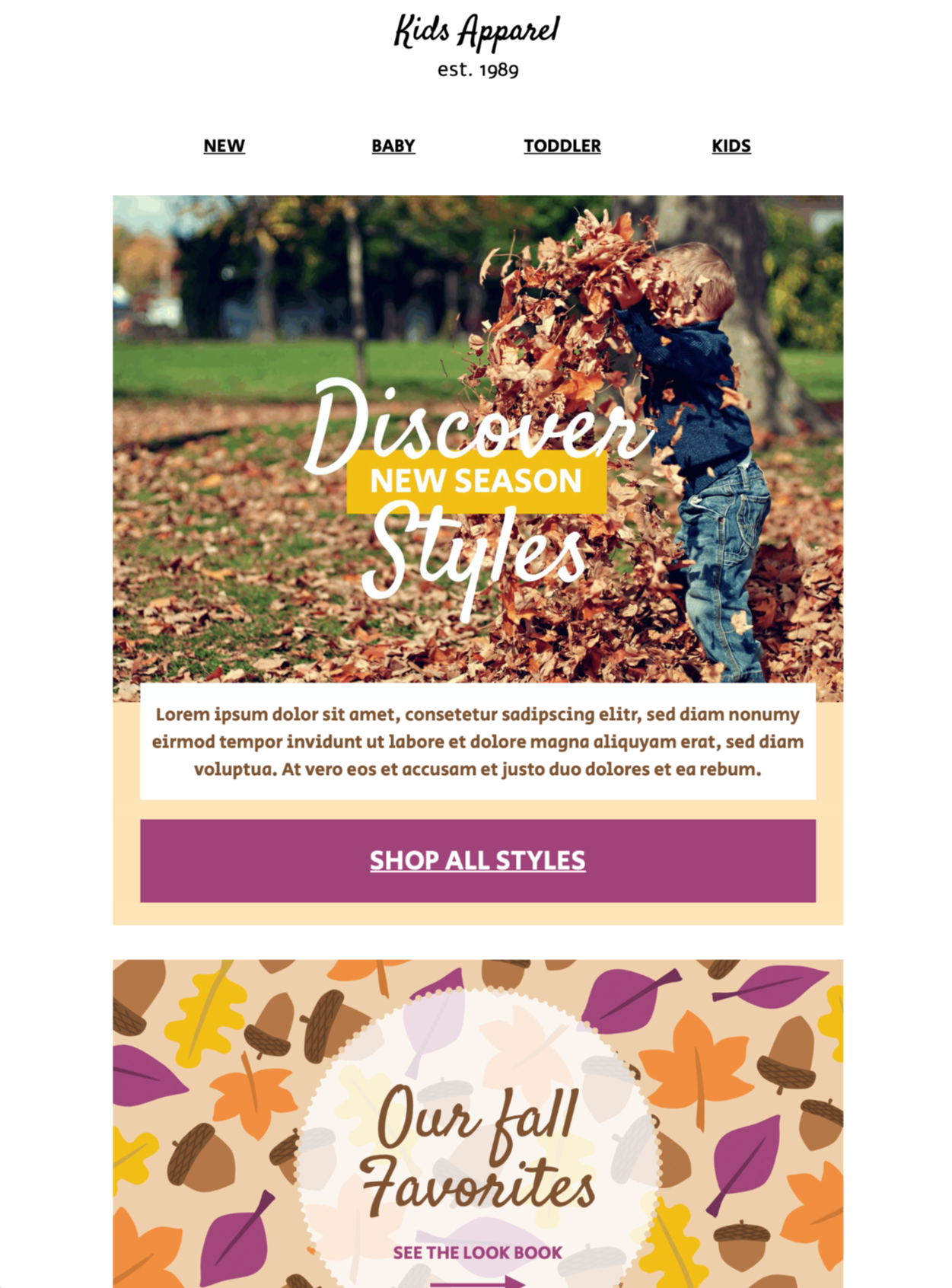
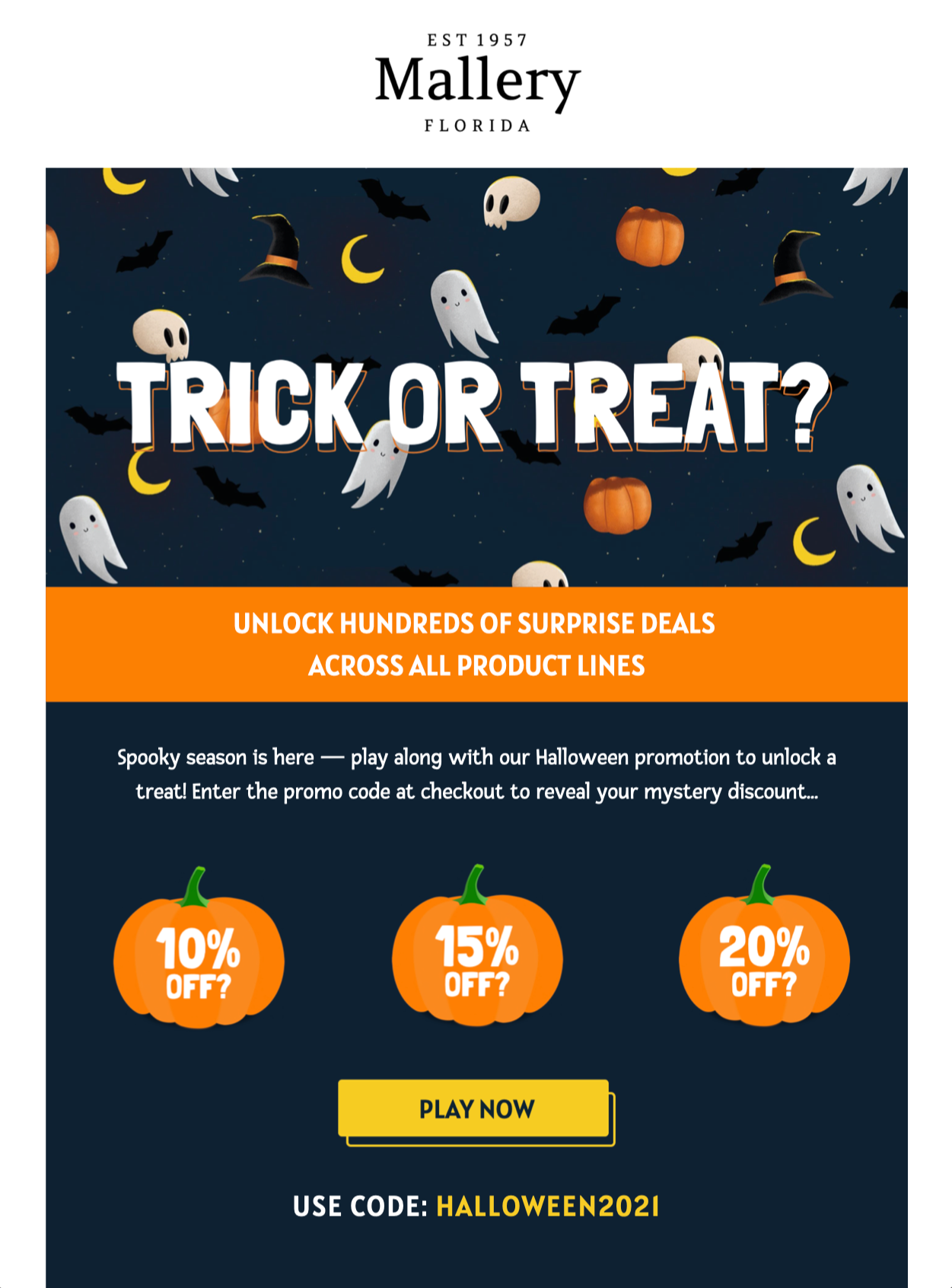
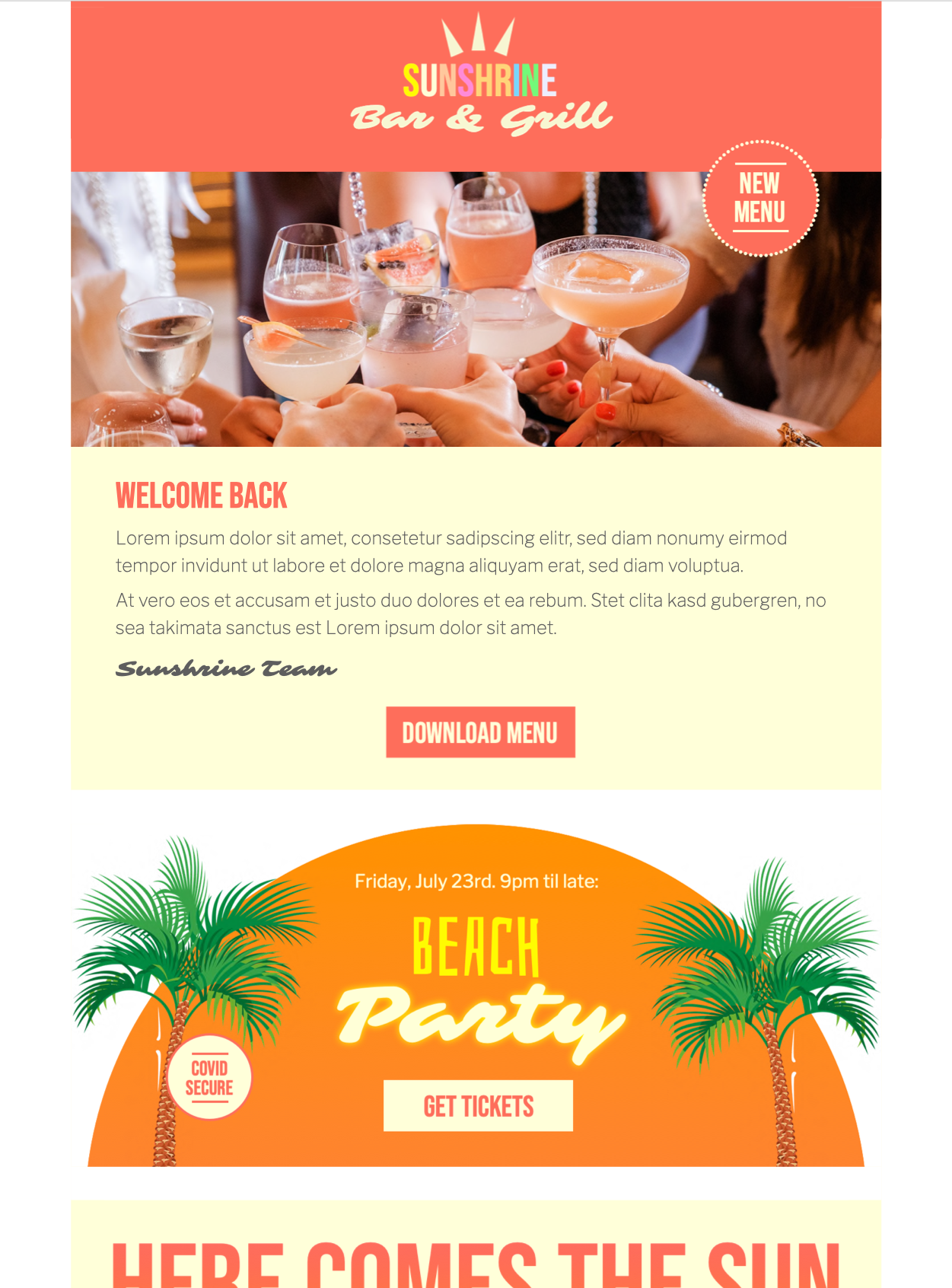
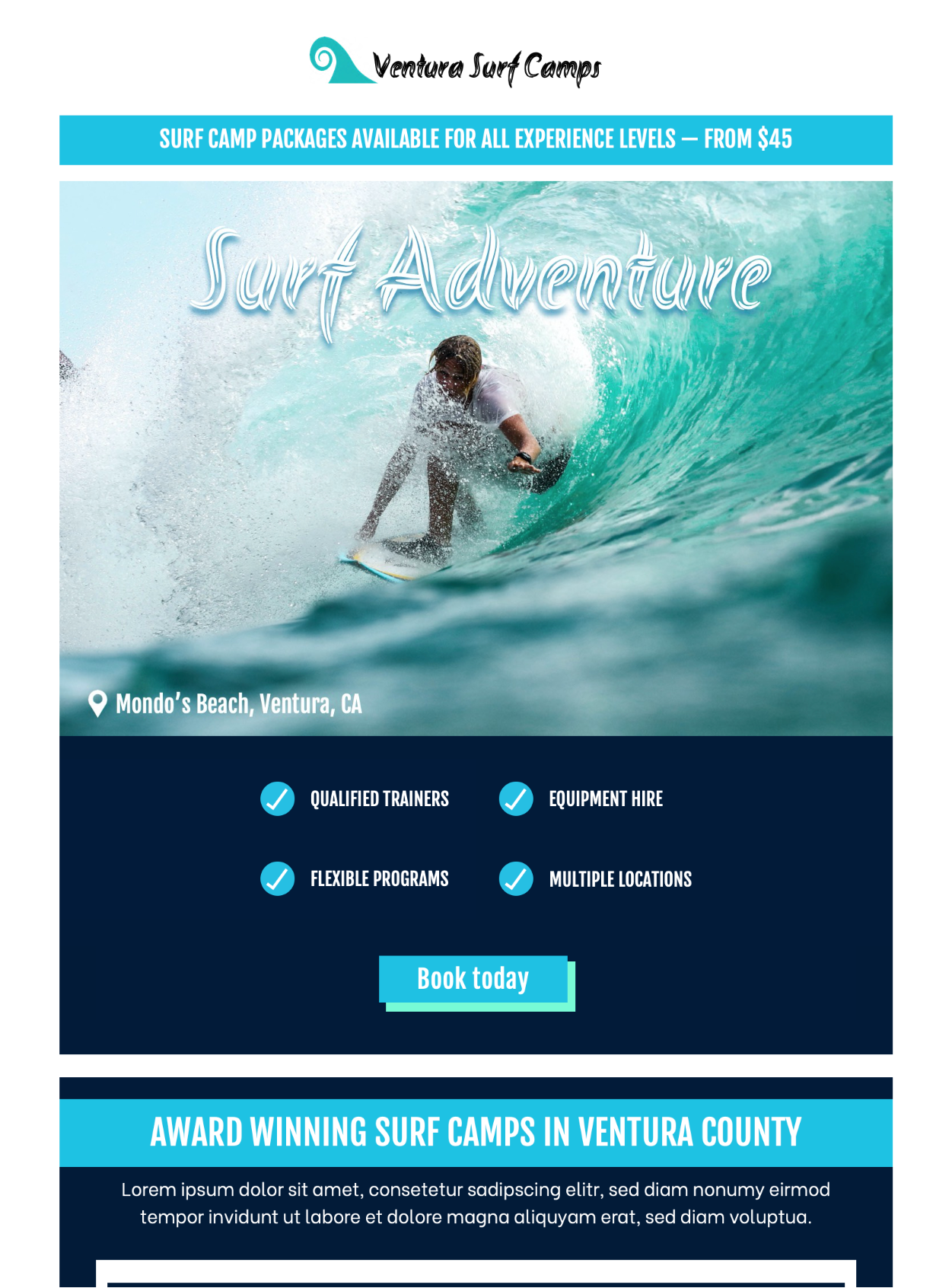
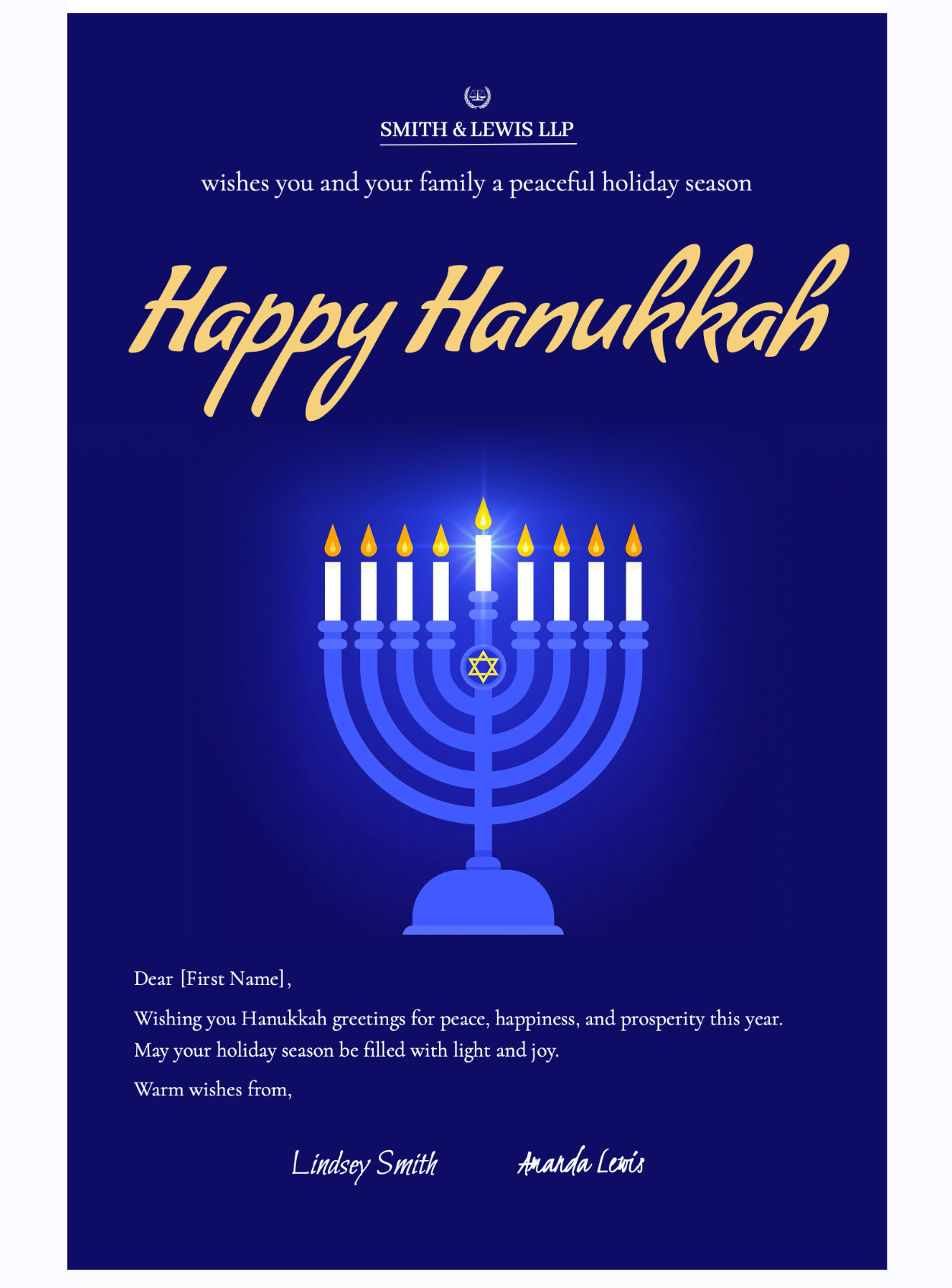

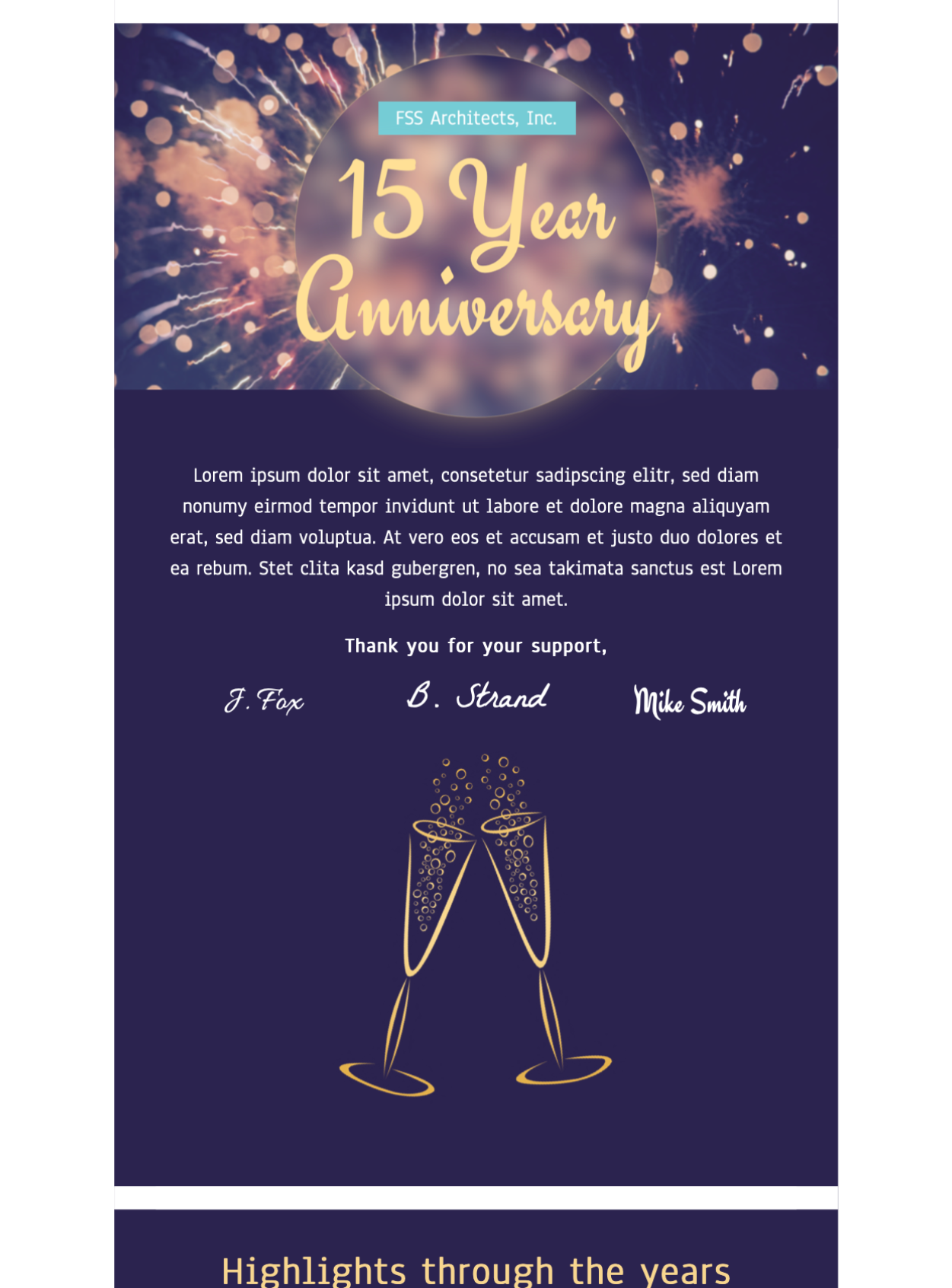
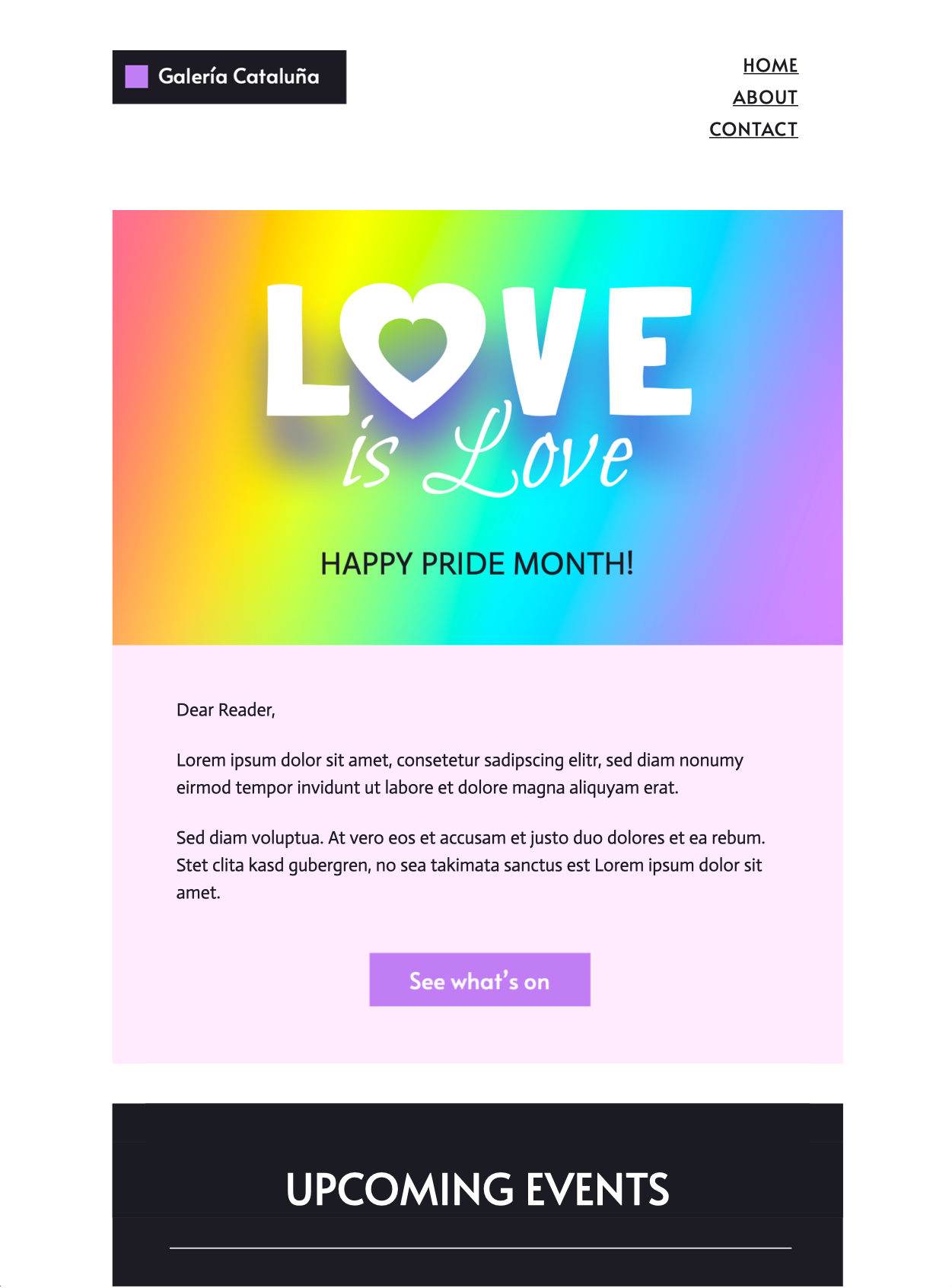
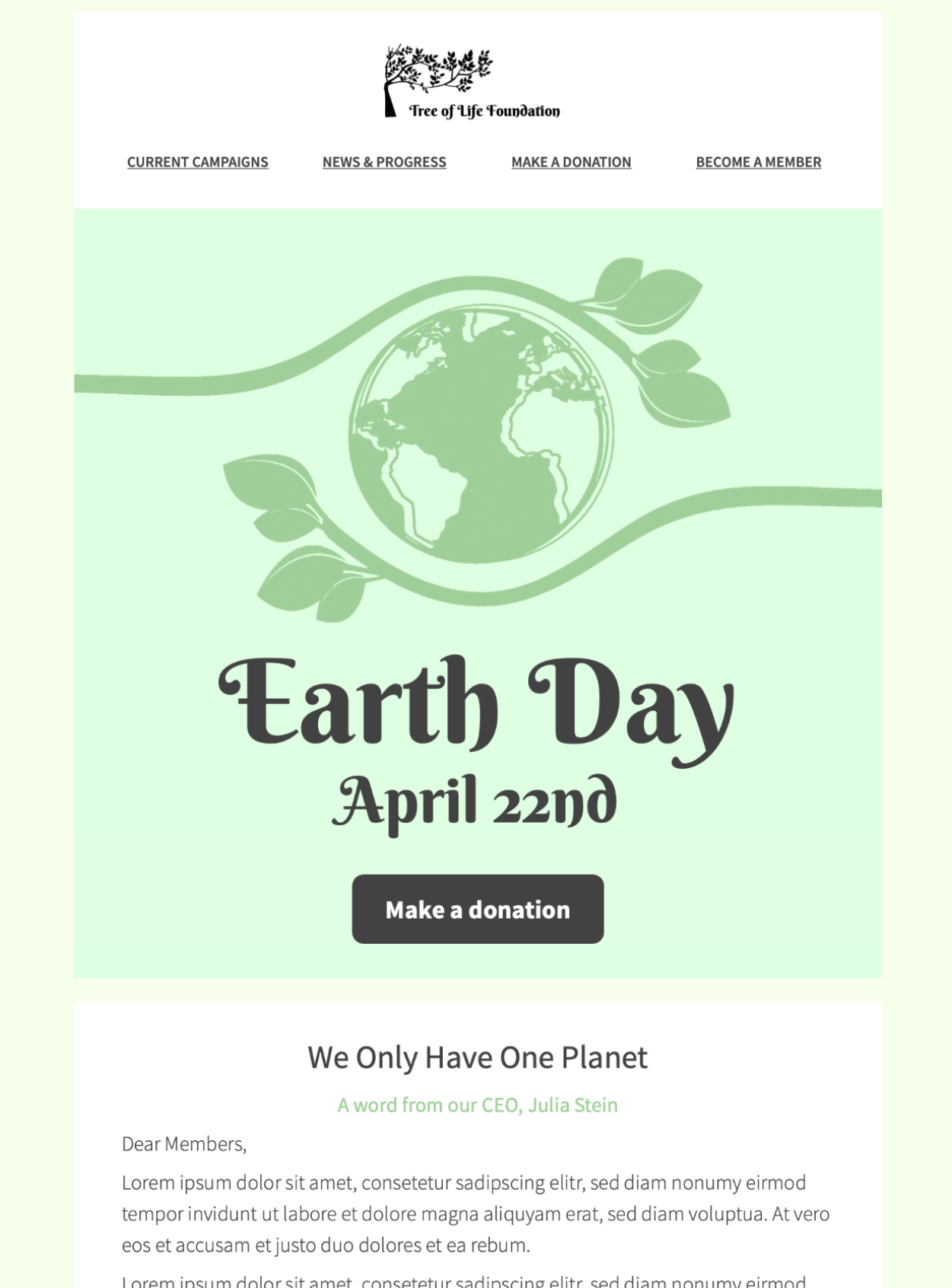
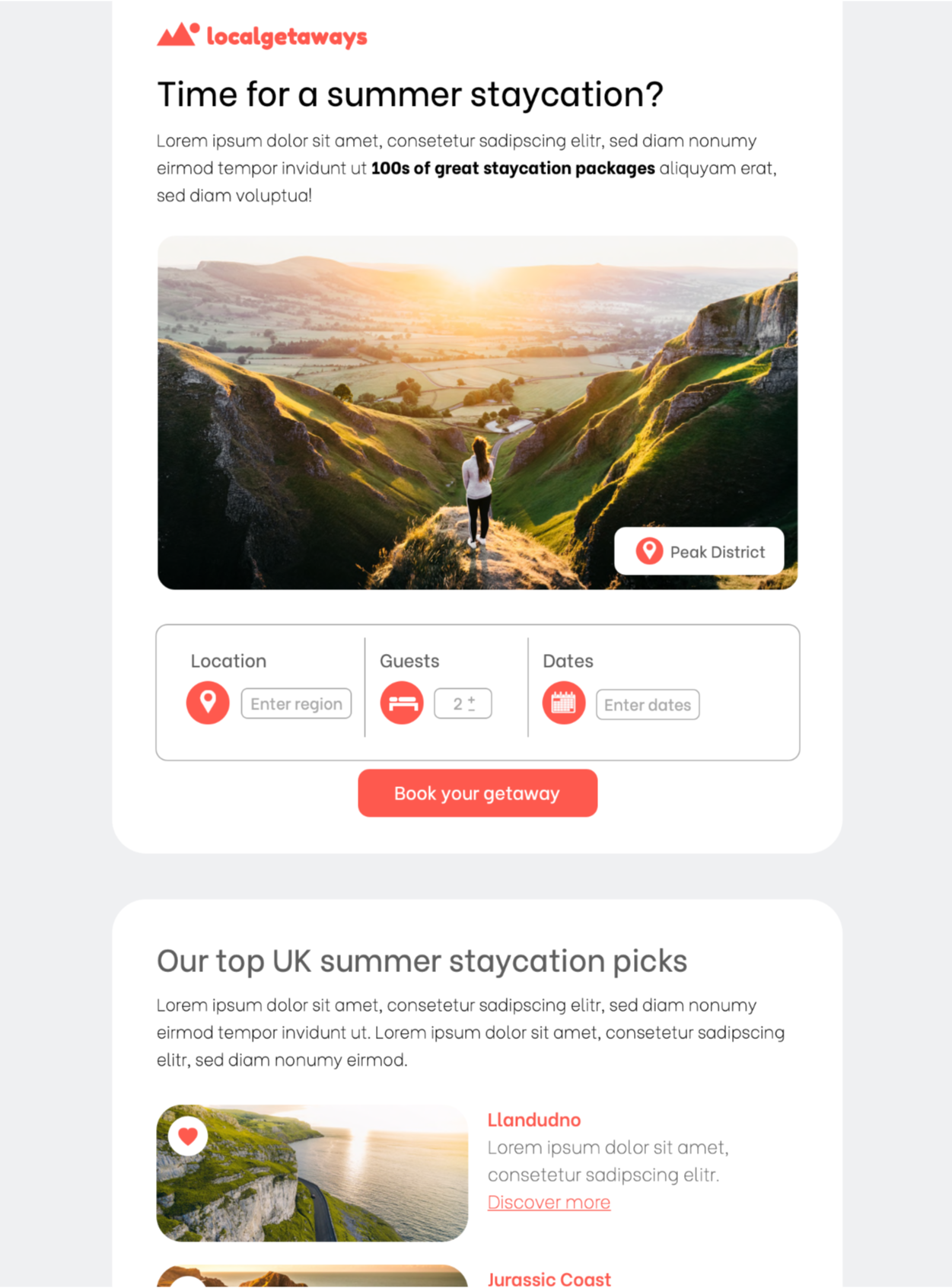
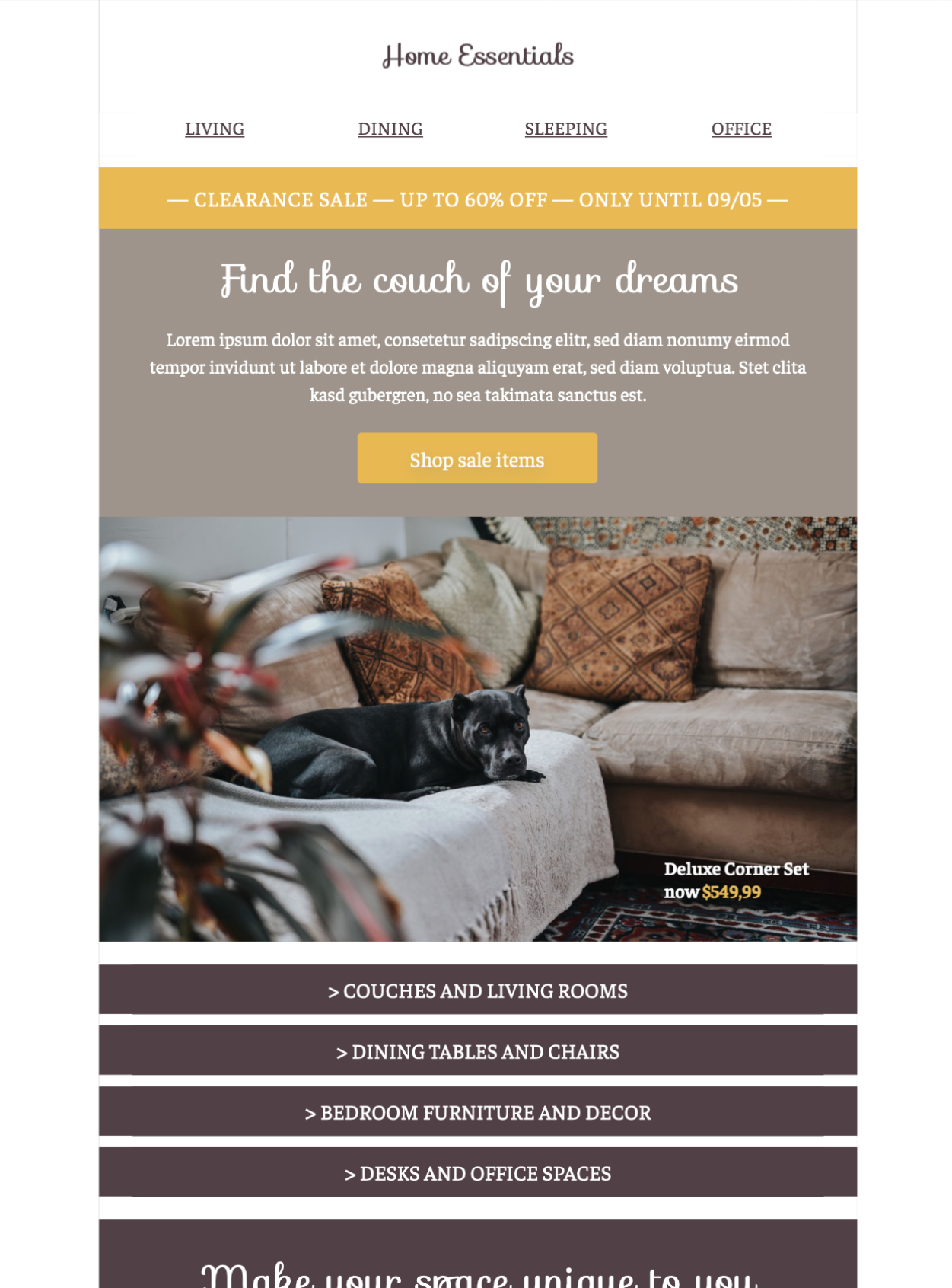
The only tool your team needs
Marketing works best in teams and Mail Designer provides everything you need for effective collaboration on email campaigns. Send test campaigns to your team and discuss and sign off on the latest design versions together in Crew Chat.
Who is using Mail Designer 365?

Medical Practices
Welcome new patients, set up appointment reminders, and share important practice news.
Learn more...

Schools & Universities
Create professional newsletters for your institution to communicate with students, staff and alumni.
Learn more...

Corporate Teams
Streamline internal communication with colleagues, shareholders, and partners.
Learn more…
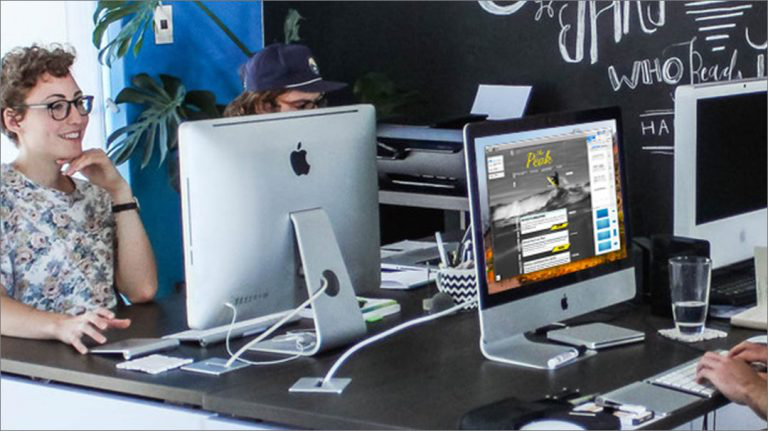
Agencies
Design & send professional campaigns on behalf of clients or individual mails for quotes and invoices.
Startups
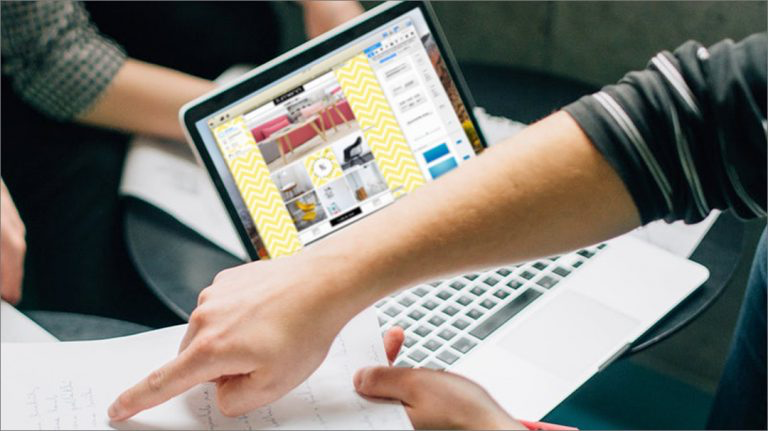
Curate investor news, tease product launches, and explore lead outreach to put your startup on the map.

Fashion brands
Showcase new collections, alert customers about promotions, and create stylish transactional emails for your brand.

Restaurants
Launch a new menu, send booking confirmations, or advertise a special event for your restaurant.

Real Estate Agencies
Reach out to potential buyers, showcase new listings, and give your emails a professional look and feel.

Hotels
Contact guests, send reservation reminders, request feedback, and ensure your hotel remains in the spotlight.

Leisure Attractions
Draw in new visitors, share timetables and opening times and promote seasonal campaigns.
Bloggers & Influencers
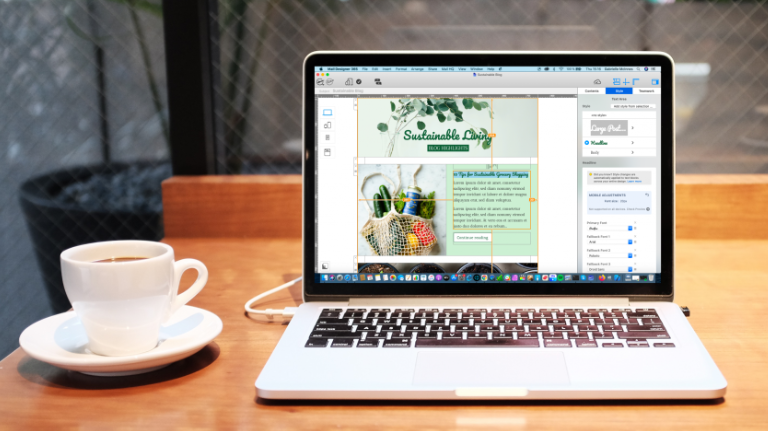
Share new posts, announcements, and events and bring your content to readers in a fresh new way.
Trusted by businesses worldwide










What do users love about Mail Designer 365?
"There are so many cool design options. It's like Photoshop for emails!"

Emily Mitchell,
Graphic Designer
Graphic Designer
"We only need one app for the entire email campaign process."

James Henderson,
Digital Marketer
Digital Marketer
"I can re-use one template to contact all my clients about new listings."

Youssef Amin,
Real Estate Agent
Real Estate Agent
"I have zero design experience and my emails always look great."

Maria Rodriguez,
Small Business Owner
Small Business Owner
"I work from home so Crew Chat is great for getting input from my team."

Daniella Martin,
Content Strategist
Content Strategist
"As a Mac lover, it's great to find an app that feels like it was made for me."

Richard Allen,
Freelance Designer
Freelance Designer
What's new at Mail Designer 365?
Discover the latest Mail Designer 365 news, plus tips, tricks and best-practice advice on all things email marketing and design. See all our latest posts here…
Stay up to date with our latest news:
Try Mail Designer 365 free today
Design and send stylish, professional email campaigns on your Mac without any HTML coding. Start your 7-day free trial today and discover professional HTML email design for everyone.
No credit card required
Compatible from macOS 10.13 onwards, including macOS 14 Sonoma