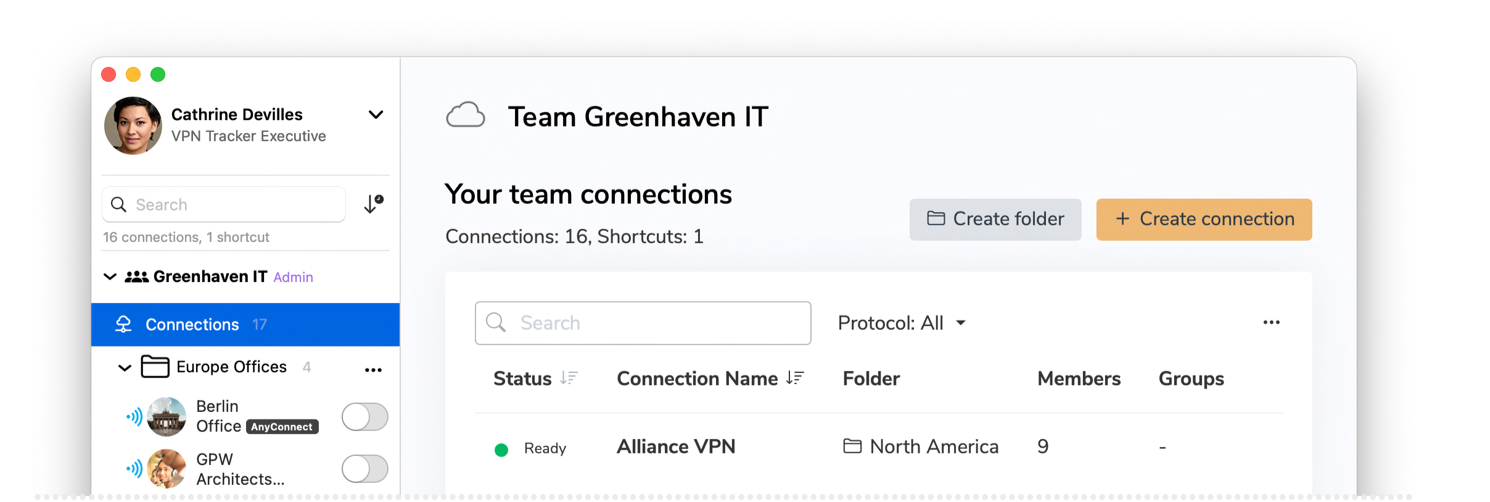
Want to connect to other countries? Try World Connect →


VPN Tracker is the #1 Mac VPN client for IPSec, PPTP, OpenVPN, and L2TP. Runs on Apple Silicon and Intel Macs with support for 300+ VPN devices.


|
Want to connect to other countries? Try World Connect → |
|
|
| What is VPN Tracker for? | Securely connect your Mac to office, home, or remote networks. |
| What can I do with it? | Access work, university, or enterprise networks; manage team VPN connections. |
| Supported devices | Mac (Intel, Apple Silicon), iPhone & iPad (iOS 15-18) |
| VPN Gateways | Compatible with 300+ VPN devices from top manufacturers |
| Supported VPN protocols | IPSec, PPTP (Mac), WireGuard®, OpenVPN, L2TP (Mac), SonicWall SSL, Cisco Meraki, AnyConnect SSL, EasyVPN, SonicWall SCP, Fortinet SSL VPN, and more. |
| Supported VPN configurations | Host to Network and Host to Everywhere (encrypt all traffic) |
| Multi-VPN support | Connect to multiple VPNs at the same time (Pro version, Mac only). |
| Purchase options | Annual plan |
| Pricing | from € 7,00 a month |
| Free Trial | Start free trial |

VPN Tracker iOS 1.0.1 Build Number 105243 tested against SonicWall Mobile Connect App using iPerf running on iPad (9th Gen). Learn more about SSL vs IPsec VPN.

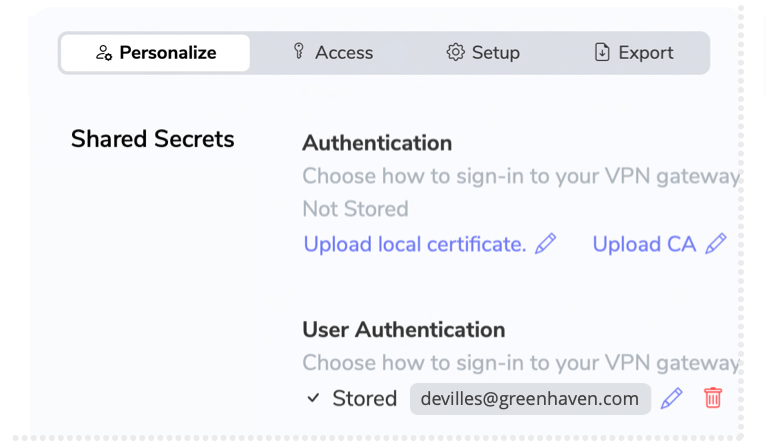
VPN Tracker’s cloud-based connection sharing is built for maximum security, using Argon3 + PKTNY end-to-end encryption to ensure your data never leaves your control.
All encryption and key handling take place directly on your device, so no unencrypted data is ever transmitted or stored externally — not even VPN Tracker can see your connection details or settings.
With industry-standard AES-256 encryption, SHA-2, and advanced Diffie-Hellman (DH) Groups up to group 18 (8192 bit), VPN Tracker protects even the most sensitive connections — meeting the highest security standards for professionals, enterprises and government agencies.

EXECUTIVE VIP CONSULTANT

Cloud cameras, smart locks, and WiFi-controlled alarm systems can pose serious security risks for your business or home. With VPN Tracker, set up a secure, private Mac VPN connection into your network to shield your IoT devices - and your business - from attacks.
Mac exclusive
 |
 |
 Tried and tested VPN configurations with 20 years of Mac VPN experience Tried and tested VPN configurations with 20 years of Mac VPN experience |
 Bundled unlicensed or third party code used at your own risk Bundled unlicensed or third party code used at your own risk |
| 100 percent Mac and iOS native code with secure custom VPN implementation |
Not designed exclusively for Mac and iOS platforms |
| Manage all your Mac VPN connections in one app with multi protocol support |
Requires multiple VPN apps creating system conflicts |
| High speed SonicWall IPSec VPN with SonicOS Simple Client Provisioning on Mac and iOS |
Slow speeds and limited SonicWall or vendor support |
| Securely store VPN connections with end to end encrypted backup and sync across devices |
Manual setup no sync lose VPN settings when switching devices |
| Signed components and tamper proof Mac VPN security architecture |
Unsigned network components exposing security risks |
| Ongoing security monitoring with instant updates for macOS and iOS |
No device specific profiles limited macOS support |
| Direct support from Mac VPN engineers with secure help requests |
No support no Mac VPN expertise |
| Trusted by the Apple Consultants Network and professionals worldwide |
Recommendations from unverified sources or ads |
| Digitally signed software made in Munich Germany no hidden components |
Unknown or obscured software origins and components |


|
If you need help connecting to your Mac VPN, our team of VPN experts is ready to assist you. Whether you use the built-in troubleshooting tools or reach out to us directly, VPN Tracker will help you get set up, stay connected, and keep your Mac VPN running smoothly. |
|
Our VPN Tracker experts are here to assist you with setting up secure Mac VPN connections, answering configuration or security questions, and helping your team roll out connections easily - so you can stay focused on what matters.