Please login to your equinux account
If you can not see the login window (or if you did close it by accident), please disable your popup blocker and click on the link below.
Open Login Window
|
Cancel login
We have detected that you do not have enabled JavaScript. To use all functions on this website (and most other websites), please enable JavaScript in your browser settings.
About equinux
Products
Support
Store
About equinux
Support
Store
VPN Tracker
(Mac)
VPN Tracker World Connect
(Mac, iOS)
Mail Designer 365
(Mac)
tizi
TV Pro
(iOS, Apple TV, Android)
Live TV
(Mac, iOS, Apple TV)
TV Pro Mediathek
(iOS, Apple TV)
TV Pro
(iOS, Apple TV, Android)
Live TV
(Mac, iOS, Apple TV)
VPN Tracker (Mac)
VPN Tracker World Connect (Mac, iOS)
Mail Designer Pro 365 (Mac)
tizi
&nbps;
VPN Tracker
Work securely via VPN and protect your privacy
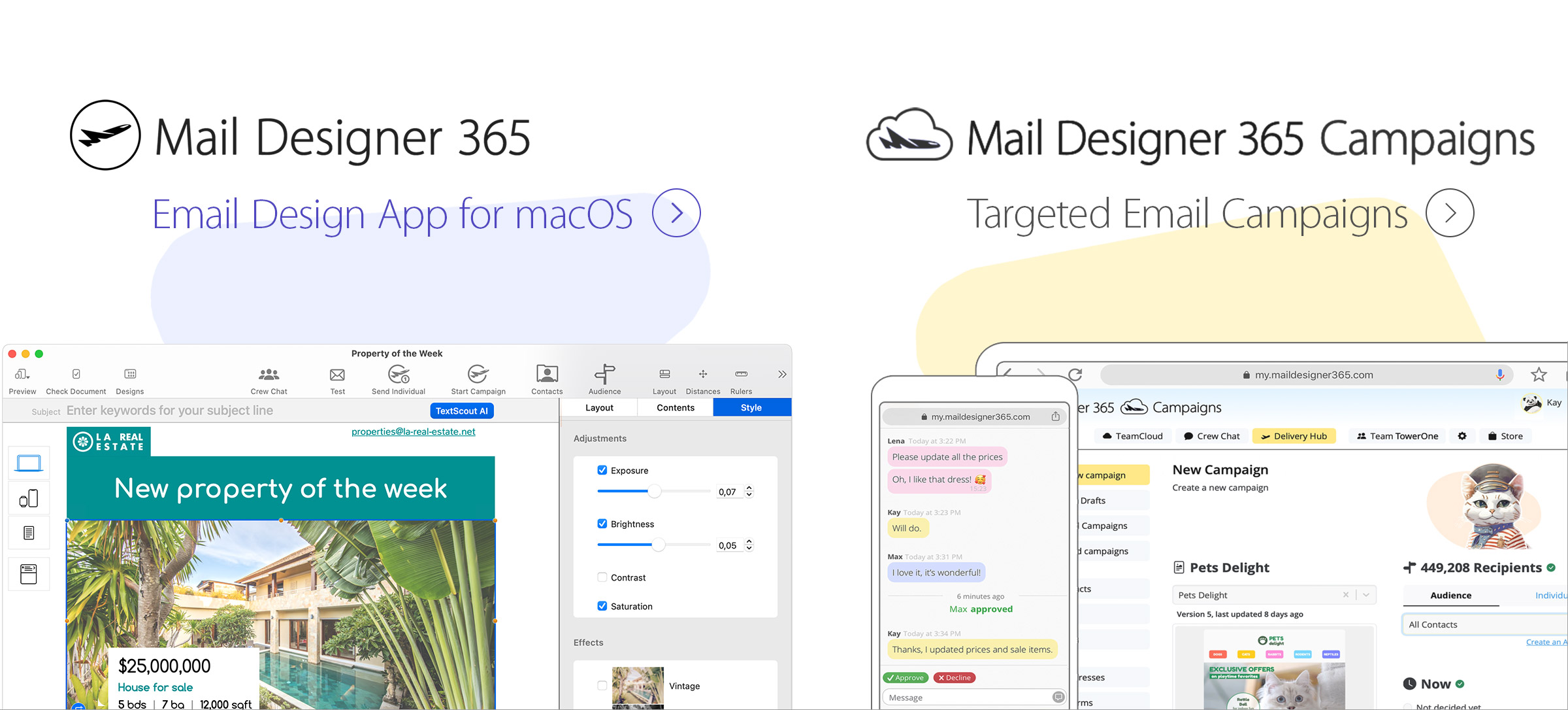
Mail Designer 365
Create professional email newsletters
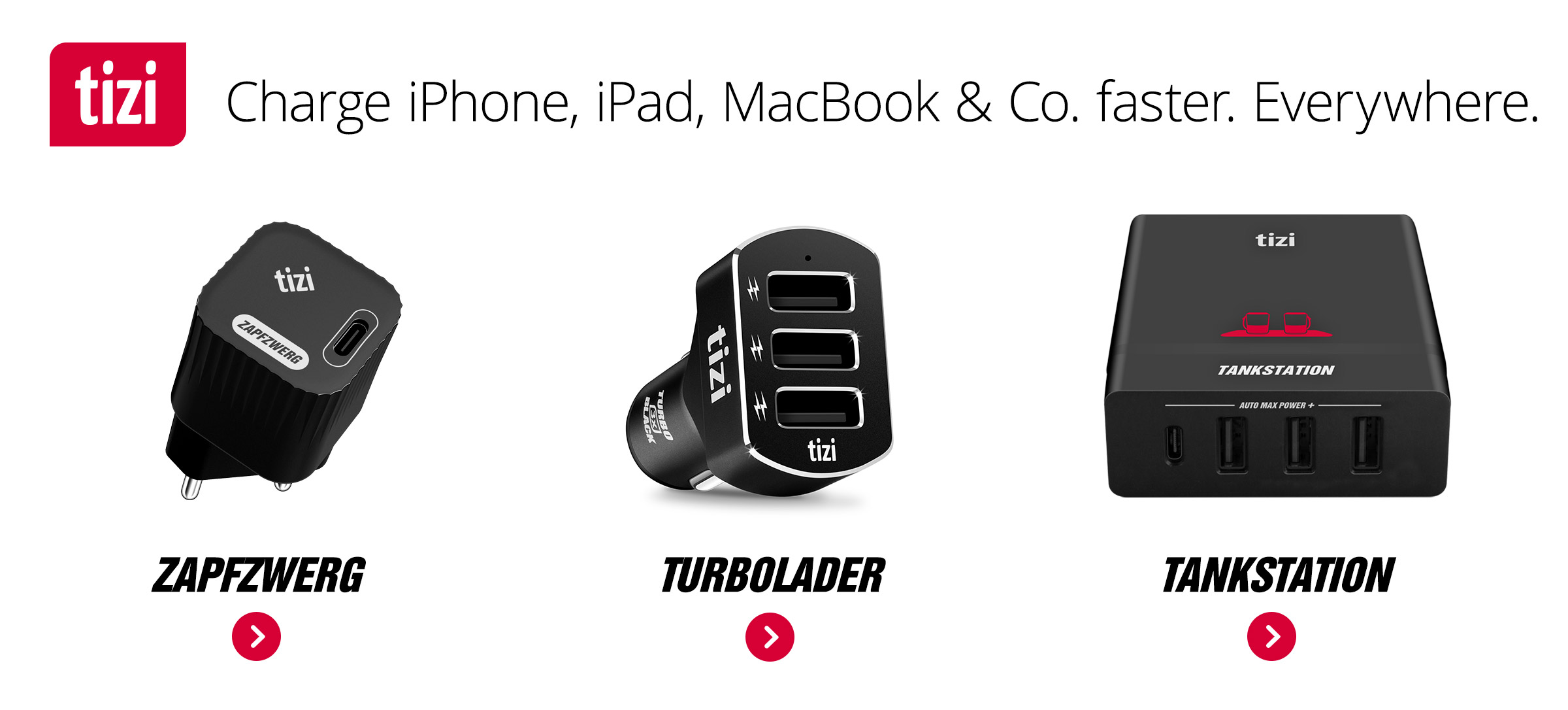
tizi
Smart Gadgets for mobile users
VPN Tracker Blog
Stay up to date with the latest Security News
Jobs
We're hiring! Become part of our team and work on exciting products
News:
04/25/2025:
Share WireGuard connections with your team
04/25/2025:
Share WireGuard connections with your team
04/25/2025:
Major Update: Introducing Folders and Team Improvements in VPN Tracker for iOS
04/16/2025:
New: VPN Tracker for Mac 25.0 Update
04/14/2025:
How to Use VPN Tracker Teams to Manage Multiple Client VPN Connections
04/02/2025:
Set up IKEv1 VPN for a Zyxel USG Flex Firewall
News:
05/25/2025:
Company Newsletter Tips: Engage, Inform & Inspire Your Team
05/25/2025:
Company Newsletter Tips: Engage, Inform & Inspire Your Team
05/23/2025:
How to Reduce Email Size: 5 Smart Hacks for Smaller HTML Emails
05/15/2025:
New: Free Mail Designer 365 V5.1 Update
04/17/2025:
Stop Sending Emails Randomly: How Consistency Improves Your Email Strategy
02/27/2025:
Email Rendering Issues: Common Problems & How to Avoid Them