Please login to your equinux account
If you can not see the login window (or if you did close it by accident), please disable your popup blocker and click on the link below.
Open Login Window
|
Cancel login
We have detected that you do not have enabled JavaScript. To use all functions on this website (and most other websites), please enable JavaScript in your browser settings.
About equinux
Products
Support
Store
About equinux
Support
Store
VPN Tracker
(Mac)
VPN Tracker World Connect
(Mac, iOS)
Mail Designer 365
(Mac)
tizi
TV Pro
(iOS, Apple TV, Android)
Live TV
(Mac, iOS, Apple TV)
TV Pro Mediathek
(iOS, Apple TV)
TV Pro
(iOS, Apple TV, Android)
Live TV
(Mac, iOS, Apple TV)
VPN Tracker (Mac)
VPN Tracker World Connect (Mac, iOS)
Mail Designer Pro 365 (Mac)
tizi
&nbps;
VPN Tracker
Work securely via VPN and protect your privacy
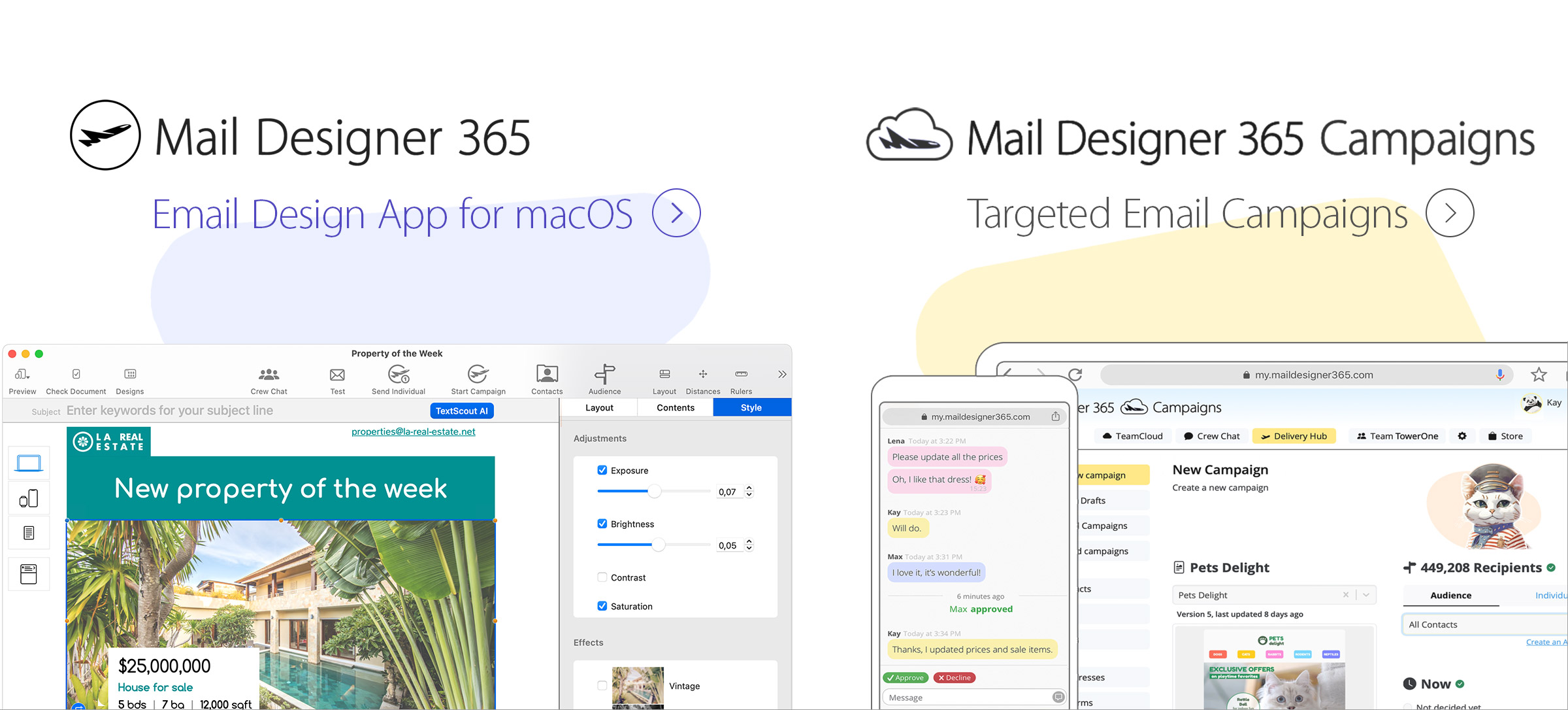
Mail Designer 365
Create professional email newsletters
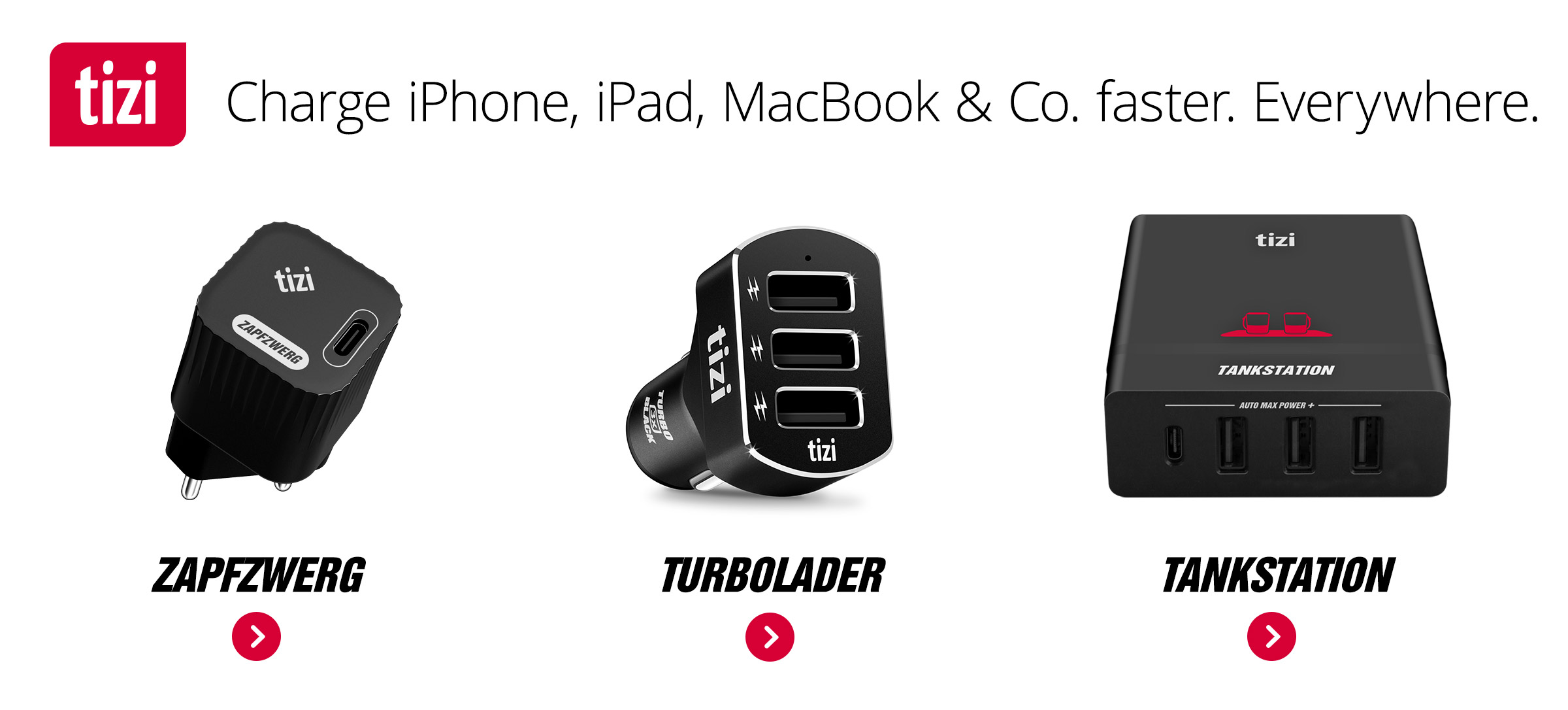
tizi
Smart Gadgets for mobile users
VPN Tracker Blog
Stay up to date with the latest Security News
Knuff
Knuff shows you at a glance how the people around you are doing.
News:
24.09.2026:
Azure VPN setup with VPN Tracker: OpenVPN and IKEv2
24.09.2026:
Azure VPN setup with VPN Tracker: OpenVPN and IKEv2
08.09.2026:
Connect to LANCOM IKEv2 VPN on Mac and iOS – Easy Setup Guide
04.09.2026:
UniFi OpenVPN Connection Stopped Working After an Update? Here’s the Fix
26.08.2026:
Palo Alto GlobalProtect VPN Setup with VPN Tracker
26.08.2026:
VPN Tracker 26.8: GlobalProtect Beta and New OpenVPN Features
News:
09/10/2026:
101domain DKIM Setup: Add SPF, DMARC and MAIL FROM
09/10/2026:
101domain DKIM Setup: Add SPF, DMARC and MAIL FROM
09/02/2026:
How to Set Up Google Postmaster Tools for Your Email Domain
07/27/2026:
Best Practice for Back to School Email Campaigns
07/14/2026:
How to Stop Emails Going to Spam in 2026
07/14/2026:
Stop Sending Emails Randomly: How Consistency Improves Your Email Strategy