




Frequently Asked Questions
PayPal error: How to reconnect PayPal
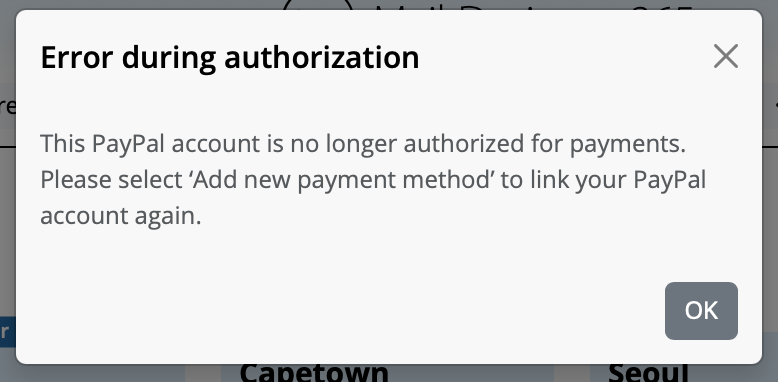
Why am I seeing this message?
Your previously used PayPal account is no longer authorized for payments. You need to reauthorize PayPal once before you can complete the purchase.
How to reconnect PayPal
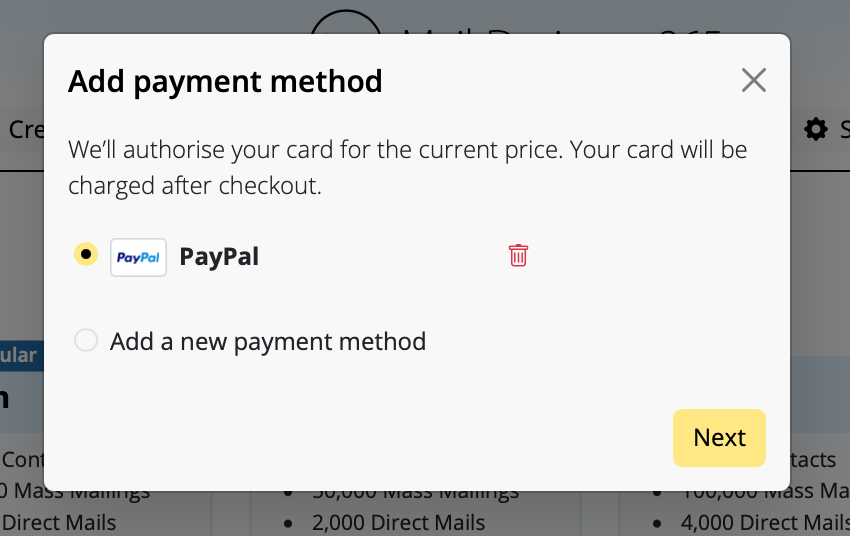
- On the plan page under Payment, click Change payment method.
- In the Add payment method dialog, select Add a new payment method.
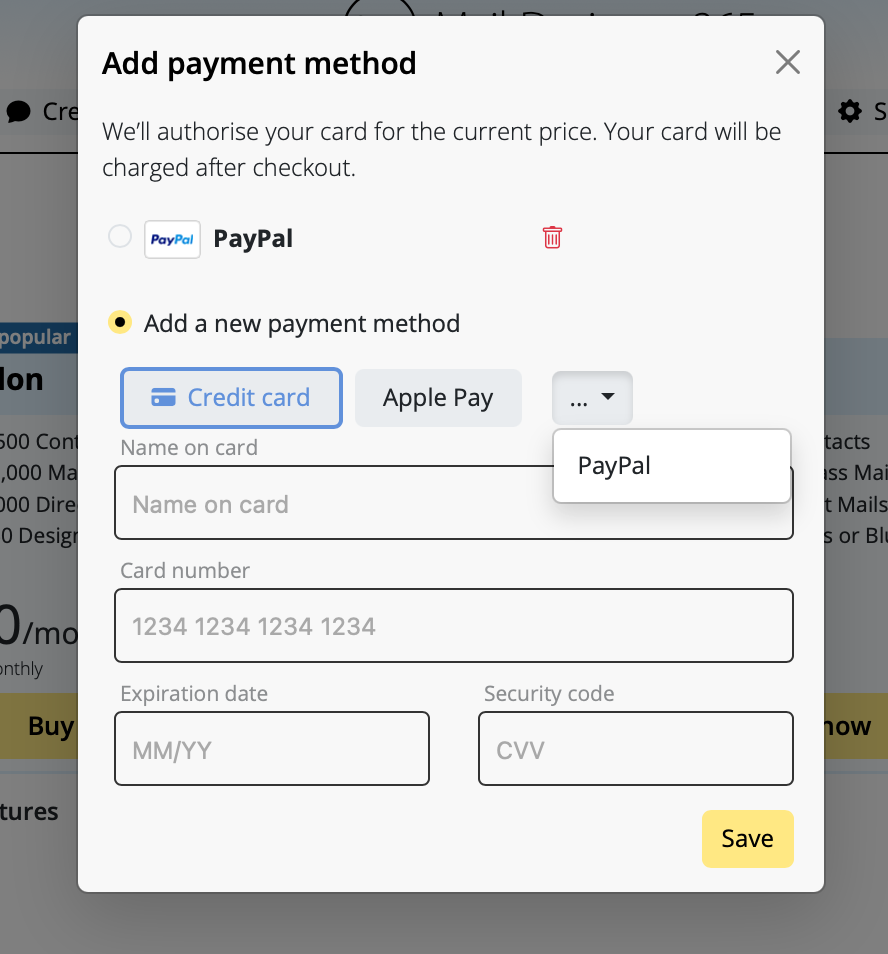
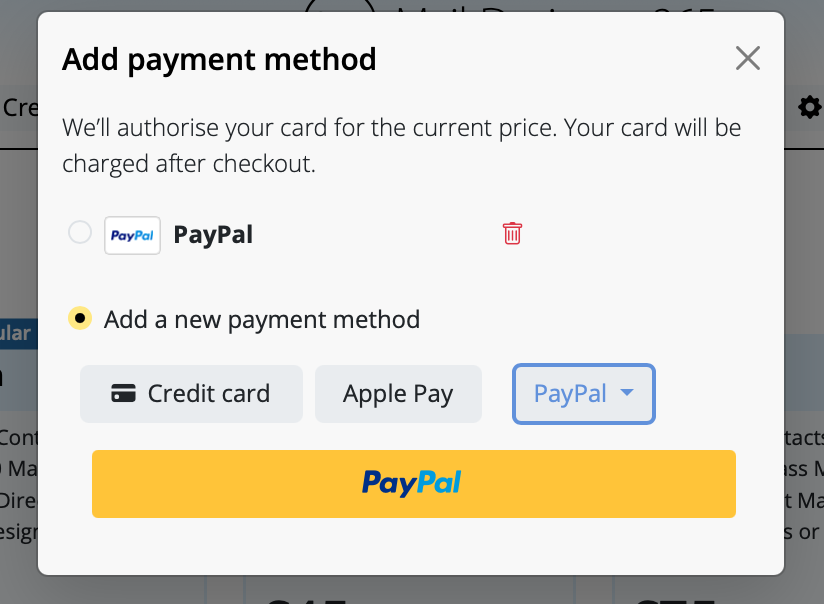
- Choose PayPal from the dropdown, then click the large PayPal button.
- Sign in to PayPal and confirm the authorization. You will be redirected back to checkout.
- Make sure PayPal is selected, then finish with Buy now.
Tips
- If you still see Error during authorization, make sure you selected Add a new payment method instead of the old PayPal entry.
- Alternatively, add a Credit card or use Apple Pay and click Save.
- You can remove the old, unauthorized PayPal entry using the trash icon.