




Frequently Asked Questions
How can I make an image or artwork clickable in Mail Designer?
In Mail Designer, you can add a link to an image area so recipients can click the image or artwork and open your chosen destination page. This is useful for invitations, product images, banners, and graphic call-to-action areas.
Select the image area and add the destination URL with the link function. In the final email design, the entire image area will be clickable.
Keep in mind that a single image area acts as one clickable area. If different parts of your design should lead to different URLs, use multiple image areas or layout blocks.
For important actions, it is also a good idea to add a visible text link or text button. This keeps the action available if images are initially blocked by the recipient's email client.
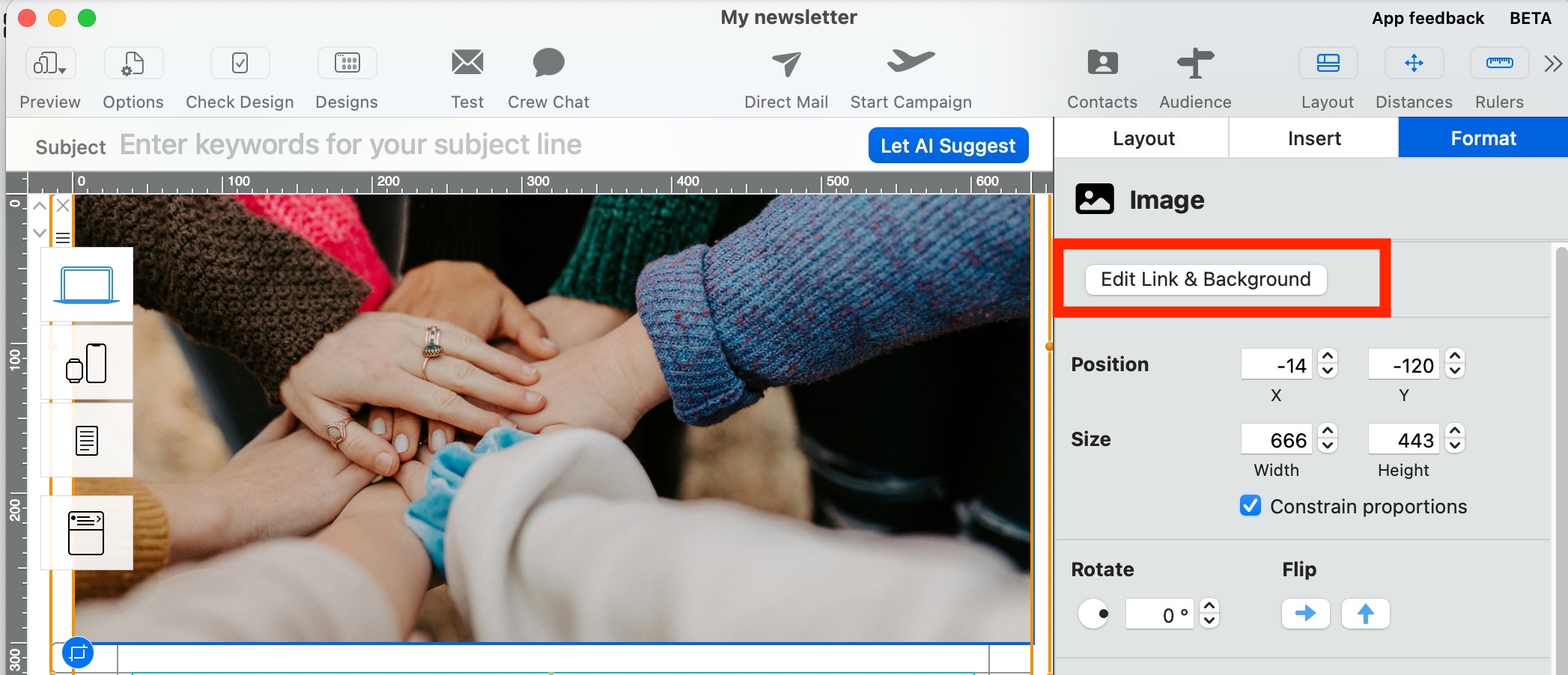
Select the image area and add the destination URL with the link function. In the final email design, the entire image area will be clickable.
Keep in mind that a single image area acts as one clickable area. If different parts of your design should lead to different URLs, use multiple image areas or layout blocks.
For important actions, it is also a good idea to add a visible text link or text button. This keeps the action available if images are initially blocked by the recipient's email client.