




Frequently Asked Questions
How can I lend an email design I have been working on in Mail Designer 365?
Mail Designer 365 allows you to lend a design to someone else who also uses Mail Designer 365 on his or her Mac. He or she can make changes and return the file afterwards to you.
 Please refer to the following page for more information on how to lend your email designs in Mail Designer 365:
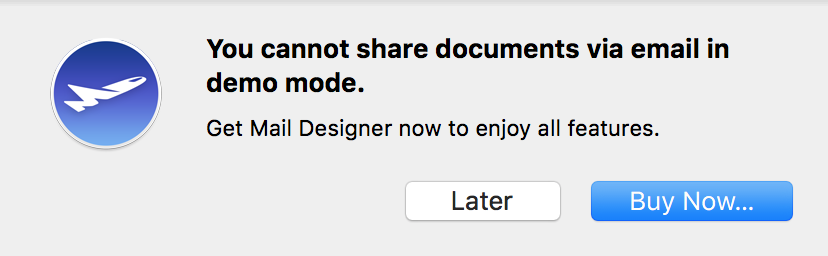
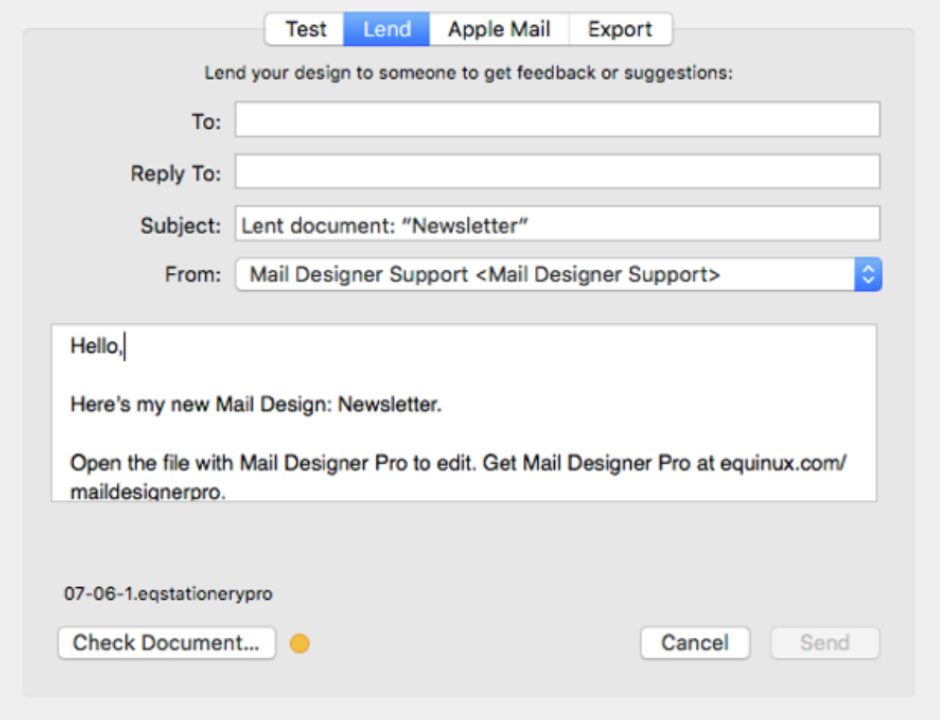
‣ Open the email template you wish to share. ‣ Choose "Share" > "Lend..."Remember: You cannot lend a document while on the demo version of Mail Designer 365.‣ Enter the recipient's email address and write him or her a short message. ‣ Click "Send."
 Please refer to the following page for more information on how to lend your email designs in Mail Designer 365: