




Frequently Asked Questions
How can I download more web fonts in Mail Designer 365?
In order to download more web fonts, click on a text area. Mail Designer 365 will automatically open the "Style" tab on the right side of the screen.
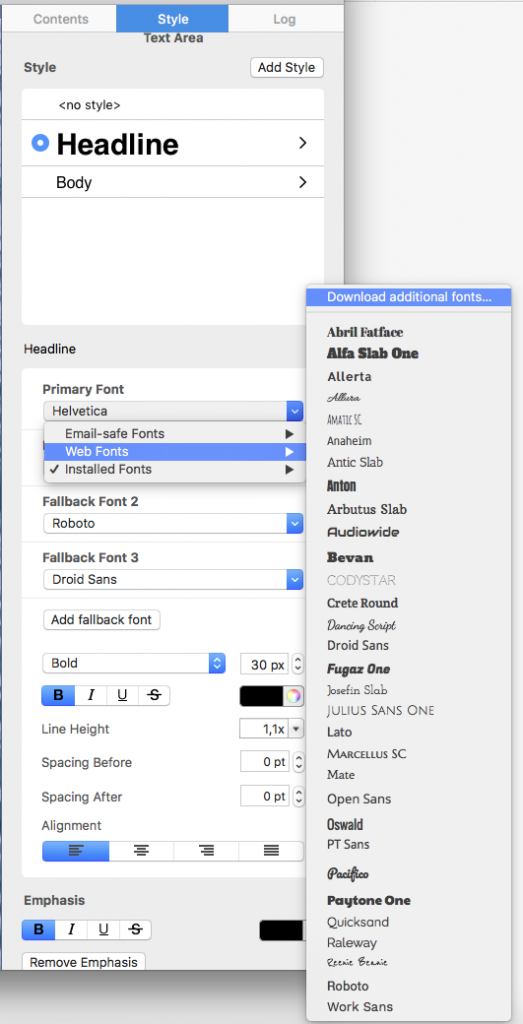 Then, you will be able to see a preview window where all available fonts will be displayed.
‣ Choose “Web Fonts" > "Download additional fonts…” from the font menu.
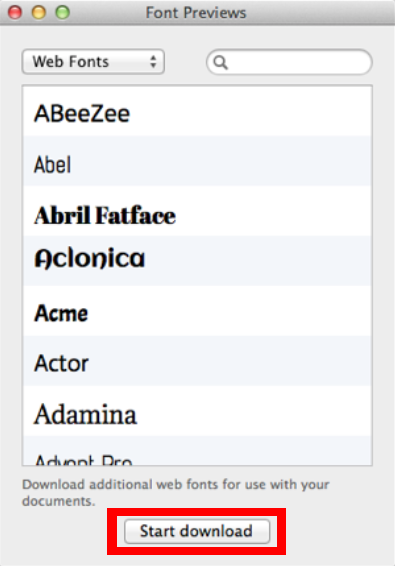
Then, you will be able to see a preview window where all available fonts will be displayed.
‣ Click ”Start Download“ to download additional Web Fonts you can then use in your template.
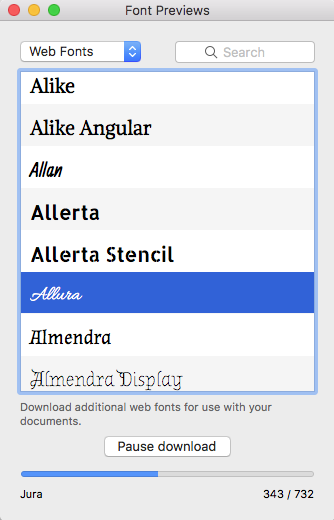
‣ After you click “Start download,” a popup window will open that shows the progress of the download: