




Frequently Asked Questions
How to connect to a company VPN
If you are working from home and need to connect to VPN, your admin will send you a connection file which you can import into the VPN Tracker 365 app.
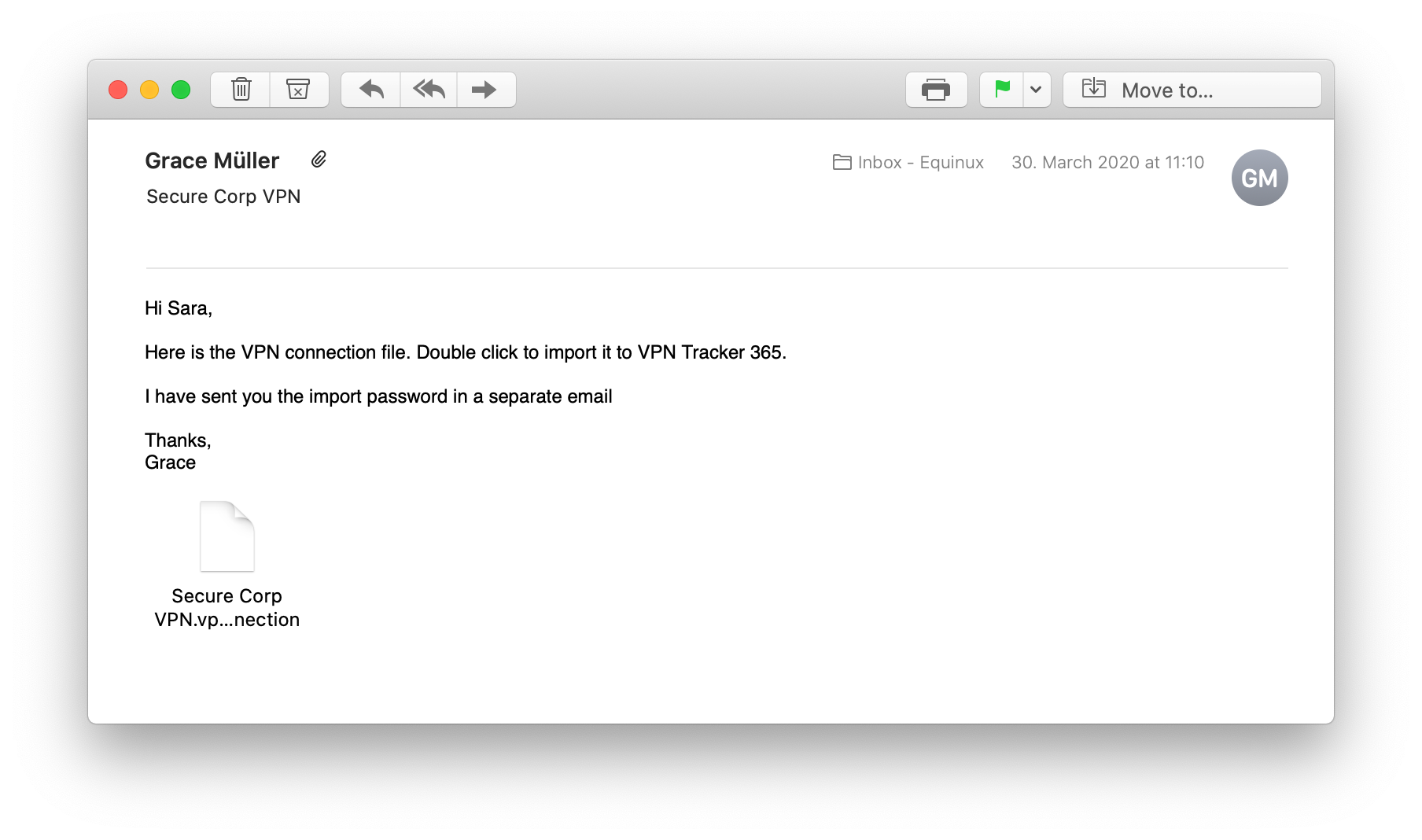 This is the pre-configured VPN connection that you need in order to connect your Mac to your office network and access your internal services.
Here's how it works:
This is the pre-configured VPN connection that you need in order to connect your Mac to your office network and access your internal services.
Here's how it works:
This is the pre-configured VPN connection that you need in order to connect your Mac to your office network and access your internal services.
Here's how it works:
- Double click the connection file to import into VPN Tracker 365.
- Enter the import password - your network admin will give this to you.
- Now, click the toggle switch to connect to your VPN. Note: If you are asked to enter user credentials, your admin will tell you which login you need to use. This video tutorial shows you how to get started with your company VPN: