




Frequently Asked Questions
Why is VPN Tracker trying to connect to a different connection than the one I last used?
Select the connection which VPN Tracker is trying to connect to and go to "Configure". Under "Actions", you will see this option: "Connect this VPN when VPN Tracker is opened". If checked, this will auto-start this connection every time you start the app.
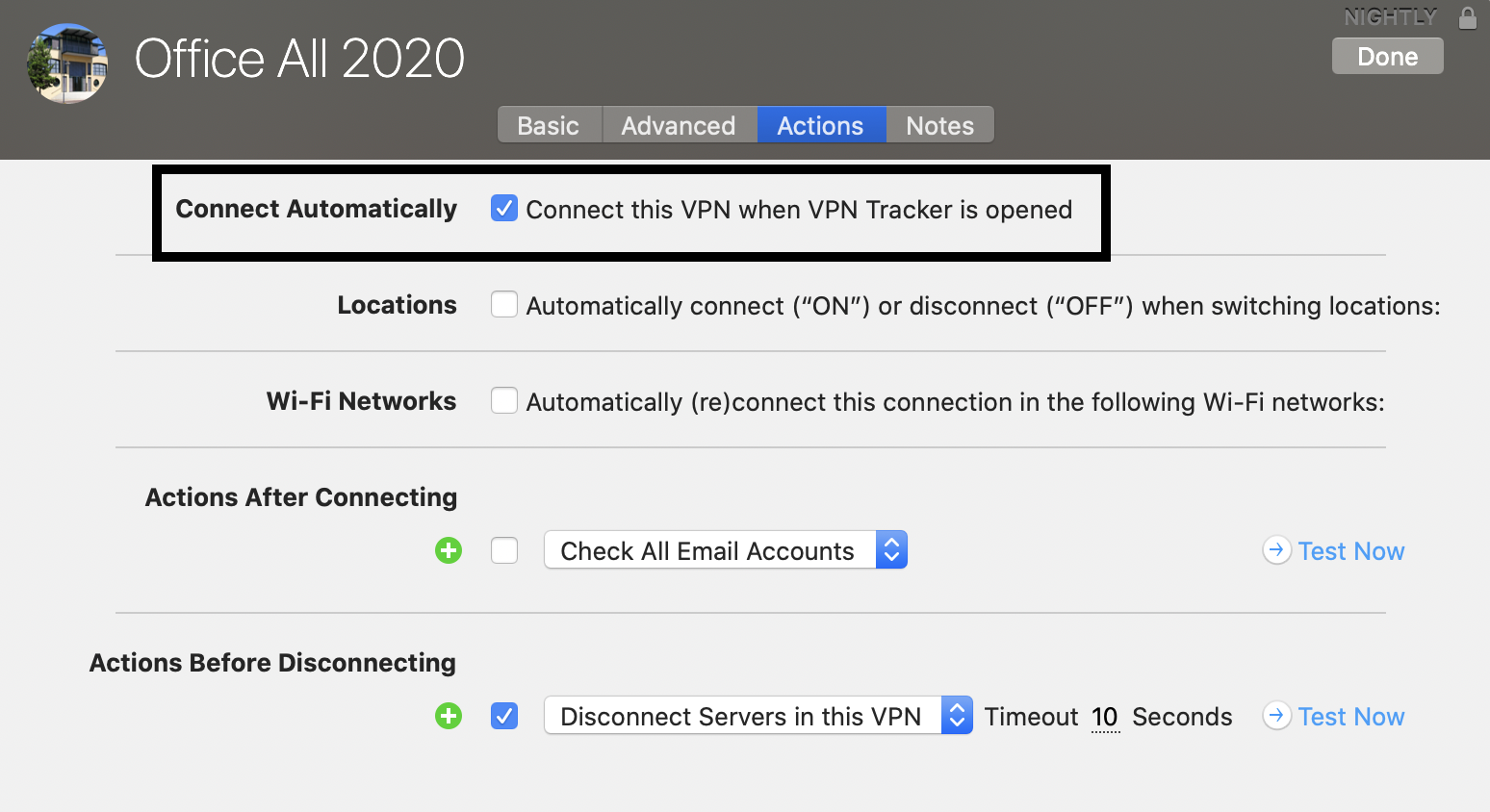 Note: If this auto start connection has an issue (e.g. no VPN gateway has been entered), you will be prompted with an error message each time you start VPN Tracker. Either solve the issues with the connection or – if you do not need to run the connection – uncheck the option "Connect this VPN when VPN Tracker is opened" to stop the error message from appearing.
Note: If this auto start connection has an issue (e.g. no VPN gateway has been entered), you will be prompted with an error message each time you start VPN Tracker. Either solve the issues with the connection or – if you do not need to run the connection – uncheck the option "Connect this VPN when VPN Tracker is opened" to stop the error message from appearing.