




Frequently Asked Questions
How to access file servers on iOS
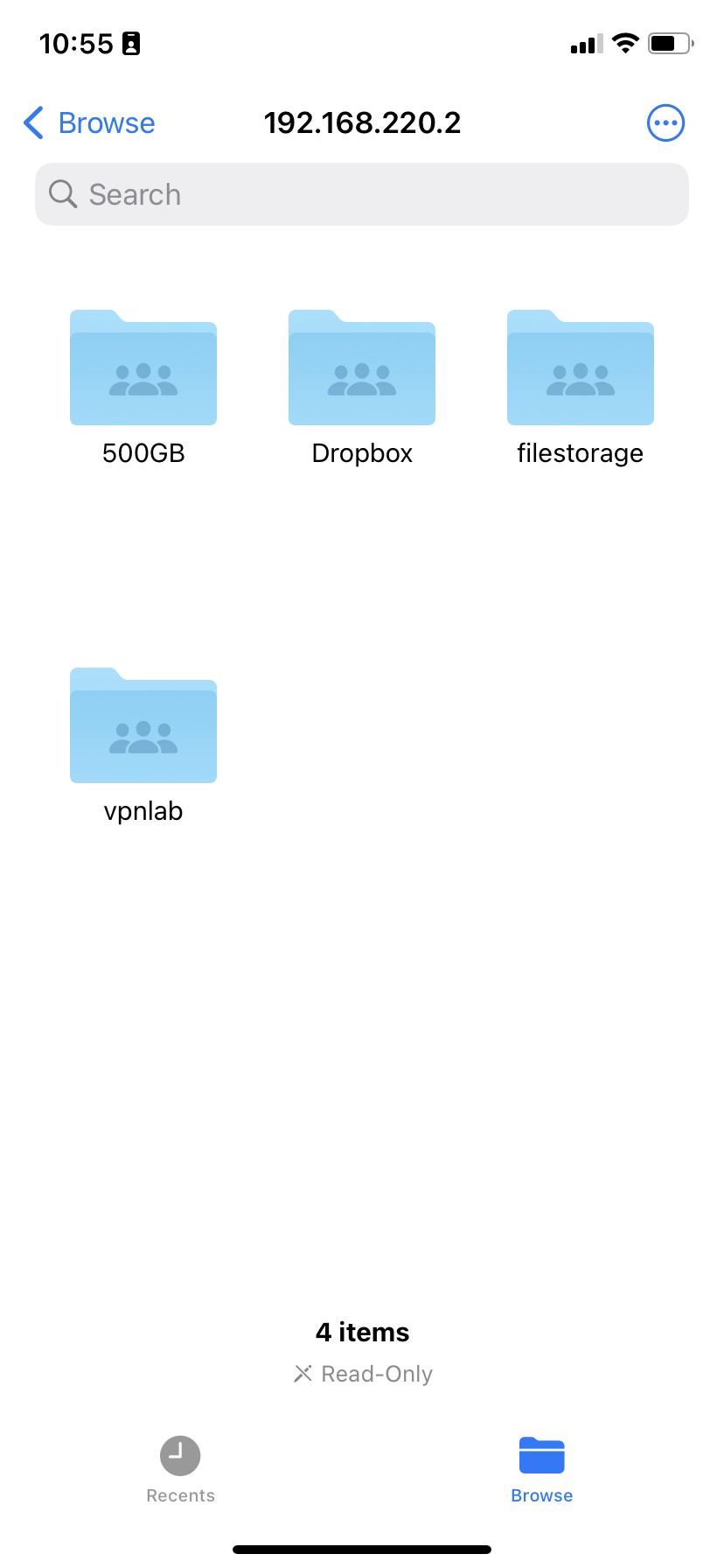
You can access files on your network file storage on your iPhone or iPad using the Files app. Here's how it works:
- Open the Files app
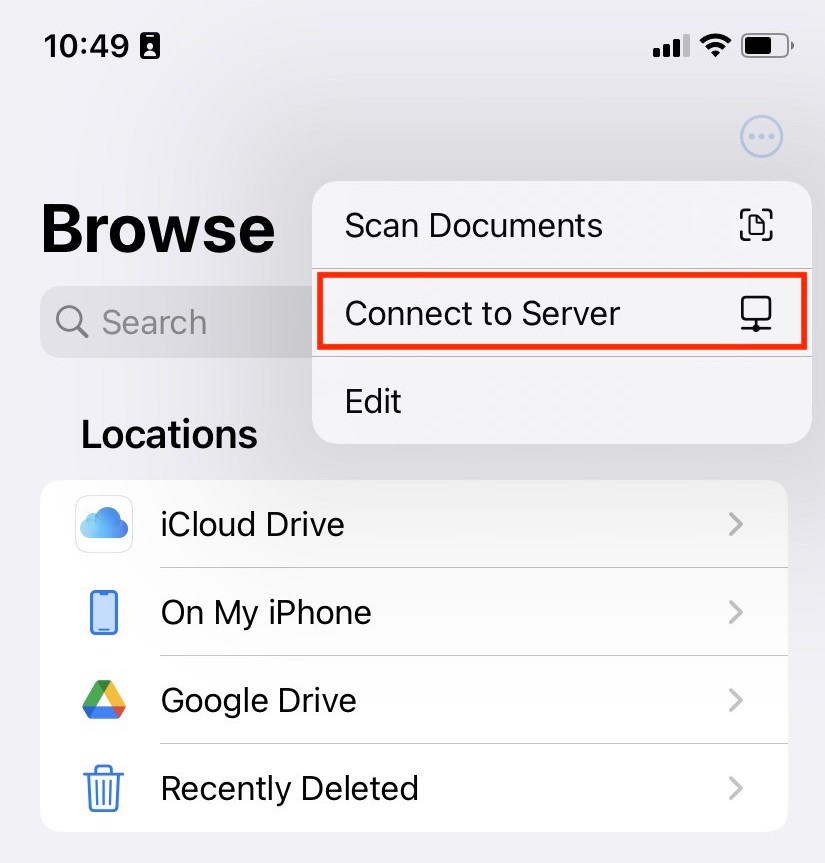
- Tap the ··· option button and choose "Connect to Server" (or hit ⌘+k on your iPad keyboard
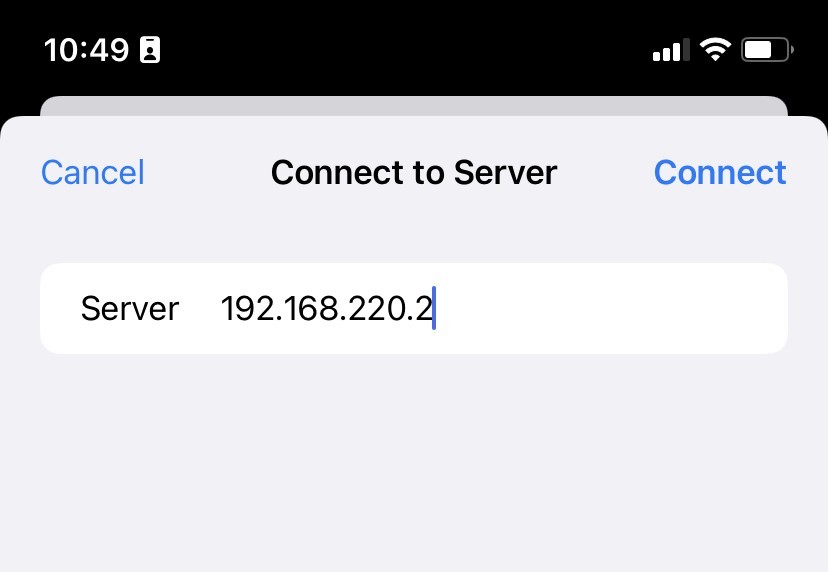
- Enter your file server's IP address or hostname
- Enter your username and password when prompted
Can't see your file shares?
If you just see an empty directory instead of shares, you may need to add the share you're trying to access to the path.
For example: If you are trying to access the file share work on the server 192.168.50.2, enter the server address as smb://192.168.50.2/work