




Frequently Asked Questions
How do I create an email link in Mail Designer?
Creating an email link in Mail Designer is really straightforward. Simply follow the instructions below to get started:
- Type your desired text in a text layout block e.g. "Email me."
- From the sidebar select "Add link" and choose "Email mailto" as the type of link from the drop down menu.
- Add your email address.
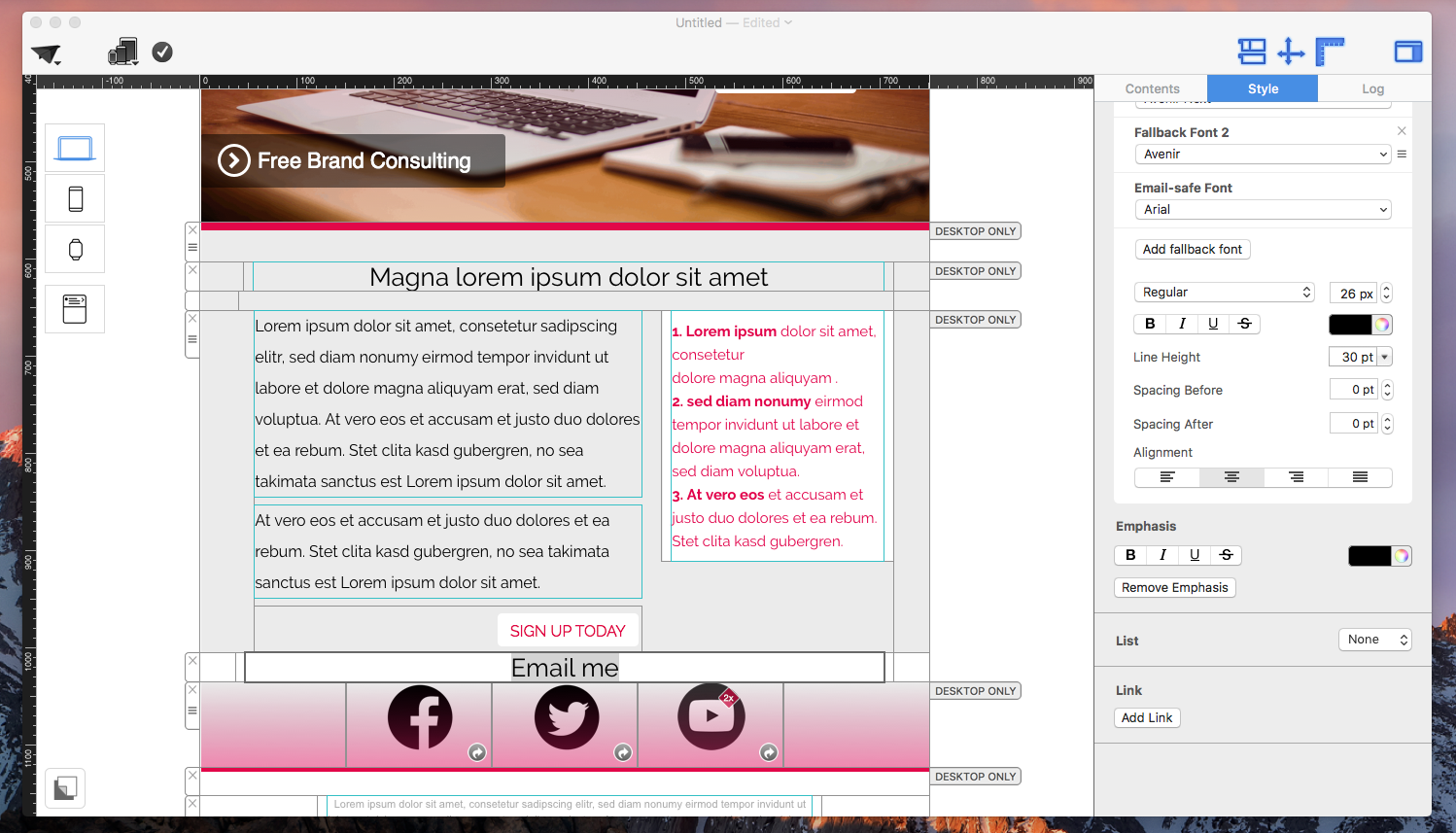


Now your chosen text will appear as a link and when a customer clicks the link it will open a new email to you.