




Frequently Asked Questions
What is the difference between test emails and individual emails?
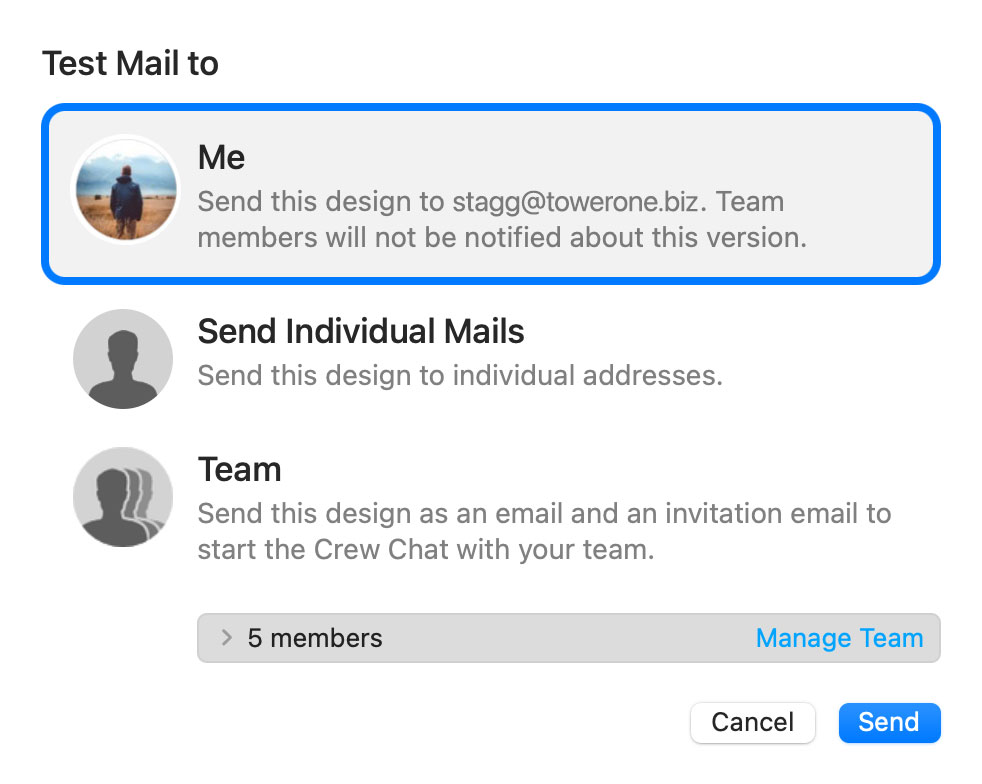
 Now choose from the following test mail options:
The latest version of your email design will be uploaded via TeamCloud and sent to the selected recipient(s):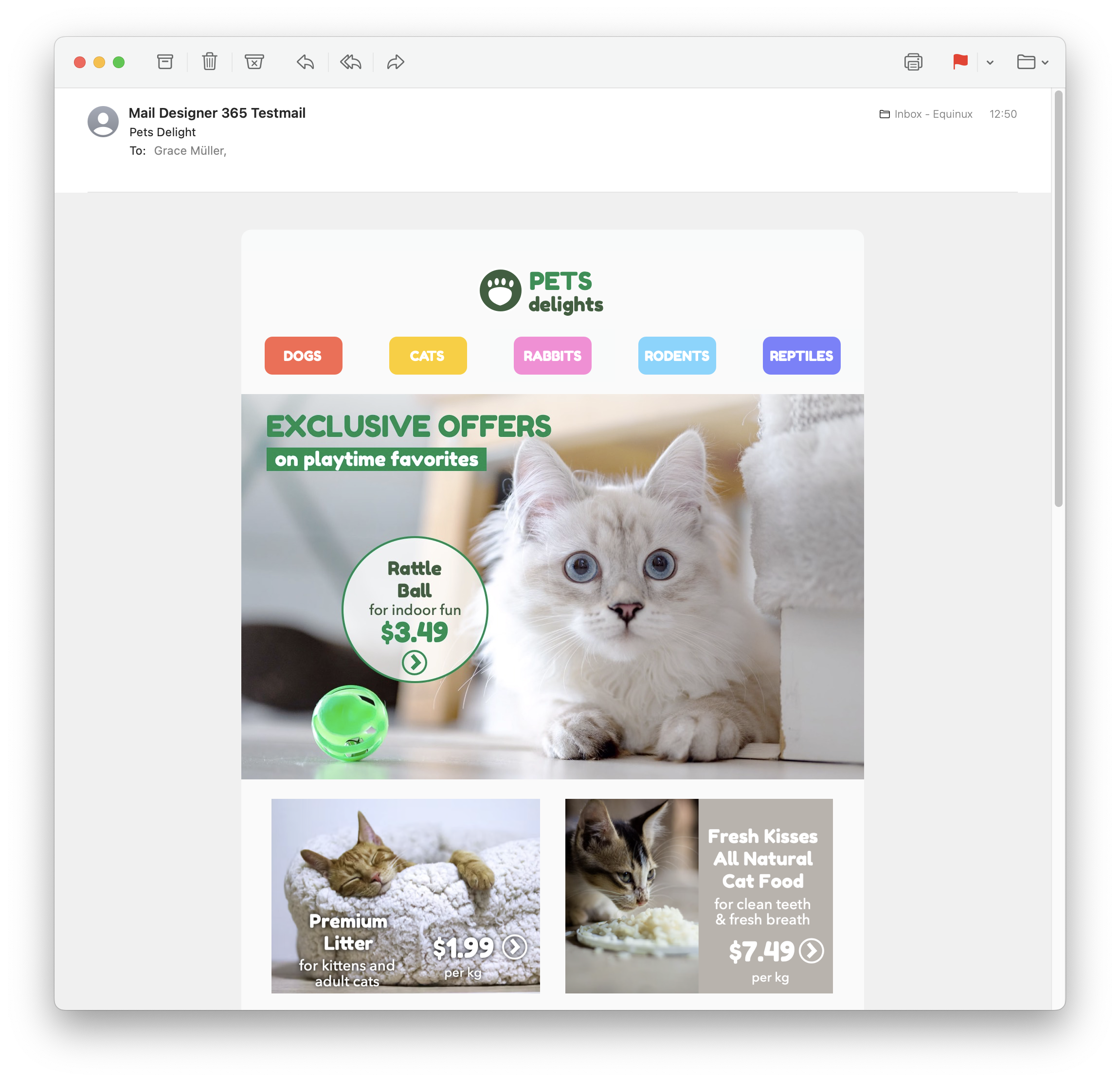
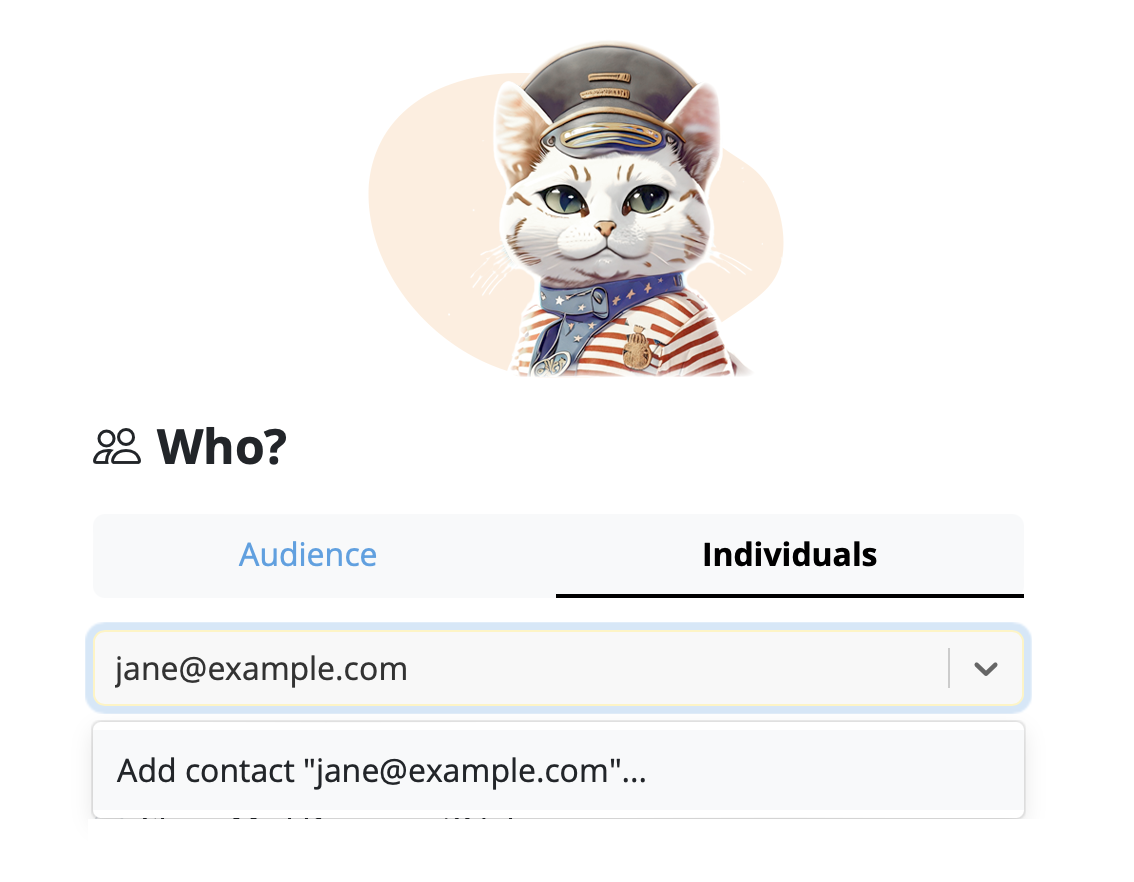
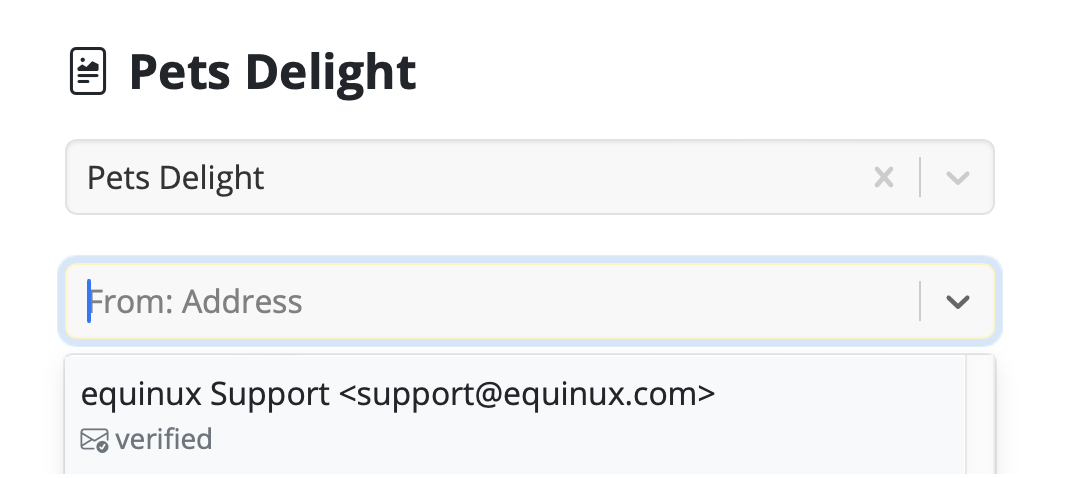
On the left of the setup window, you can choose your from address:
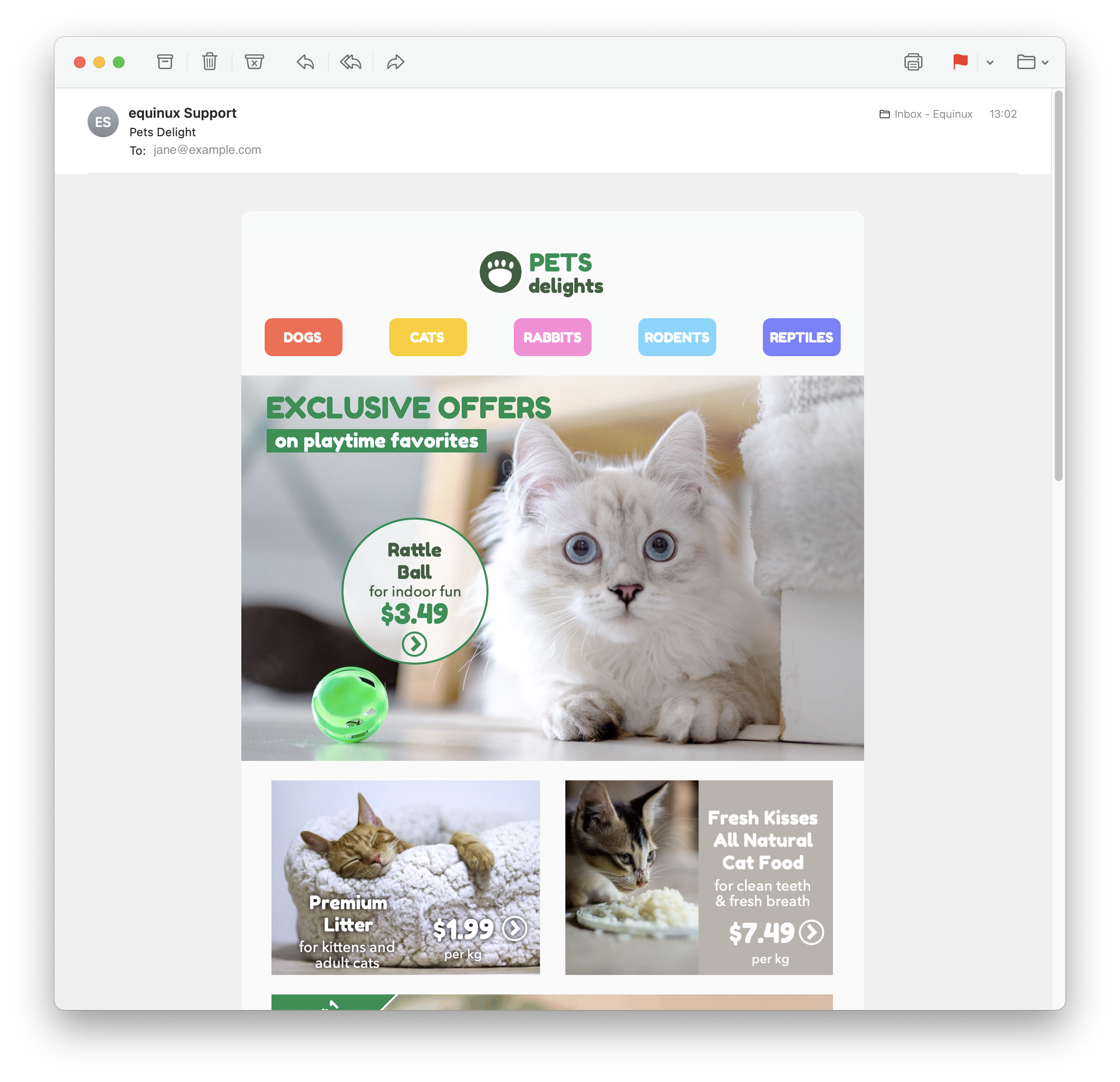
Tip: If you have not done so already, follow this guide to set up your "from address" for sending. Finally, send your email by clicking the green "Send" button. It will go directly to your recipient via your email server:
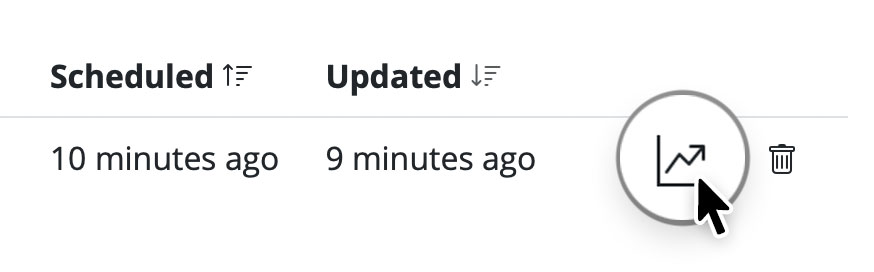
Good to know: Following send, you can easily check if your recipient has received and opened your email by clicking the analytics icon:
Sending test emails
Mail Designer 365's Testmail service is designed for sending internal test emails to yourself or to your team – i.e. to preview how your finished email design will look in the inbox. Test emails will be sent from the Mail Designer 365 Testmail service via our secure servers.How it works
To get started, click the Test icon in the Mail Designer 365 toolbar.
Now choose from the following test mail options:
The latest version of your email design will be uploaded via TeamCloud and sent to the selected recipient(s):
Sending individual emails
You also have the option to send your email design as a single email via Delivery Hub. This email will be sent from your own email address. This option is designed for external emails (i.e. sending emails to contacts who are not part of your Mail Designer 365 team) and replaces the legacy "Send via your email account" option.How it works
In this view you can add one or more recipients for your email (e.g. your client's email) and send them your design from your own email address.On the left of the setup window, you can choose your from address:
Tip: If you have not done so already, follow this guide to set up your "from address" for sending. Finally, send your email by clicking the green "Send" button. It will go directly to your recipient via your email server:
Good to know: Following send, you can easily check if your recipient has received and opened your email by clicking the analytics icon: