Frequently Asked Questions
How can I verify my email address to start using VPN Tracker 365?
Downloaded VPN Tracker 365 and want to start setting up your account? You can follow these simple steps to verify your email address and get started with the app:
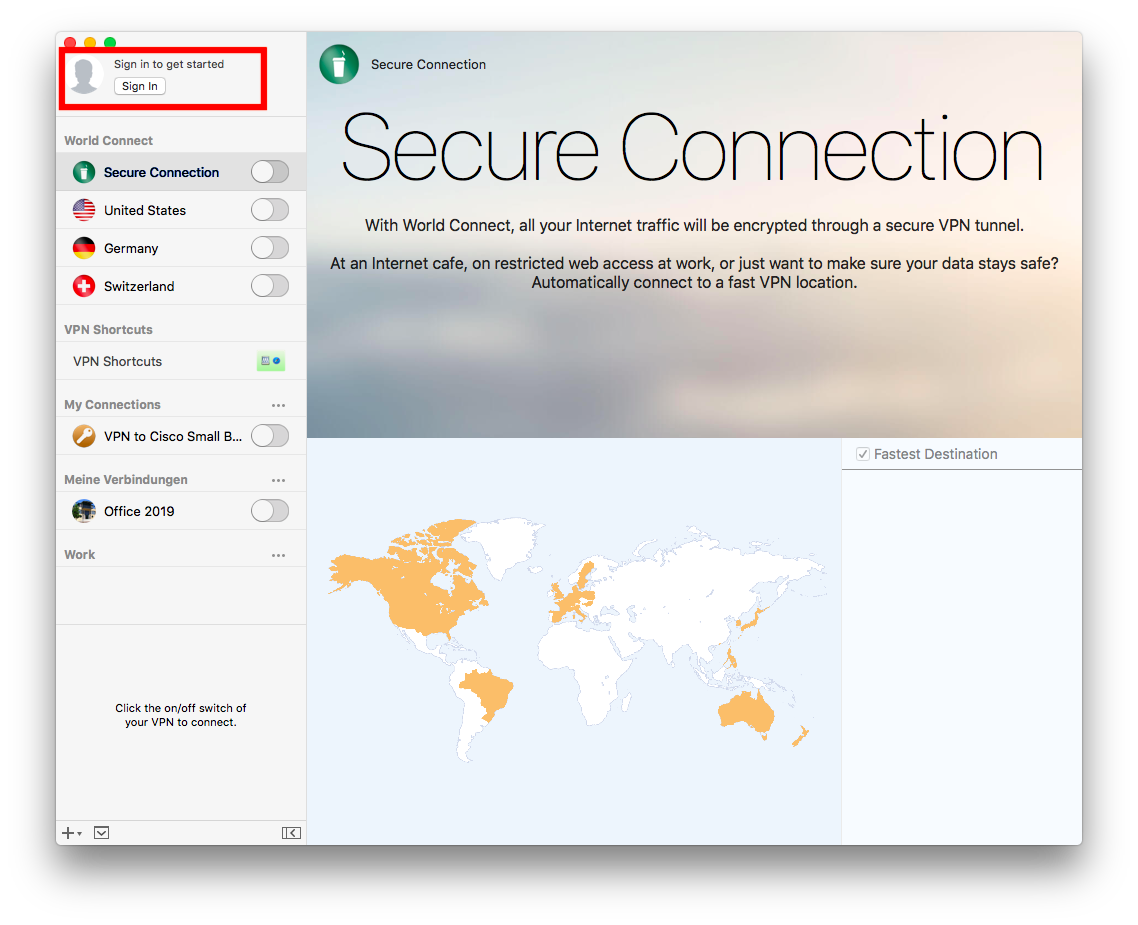
- After you've downloaded and opened VPN Tracker 365, click on Sign in > Create Account
- Enter the credentials for your new account (Name, Email, Password) in the space provided.
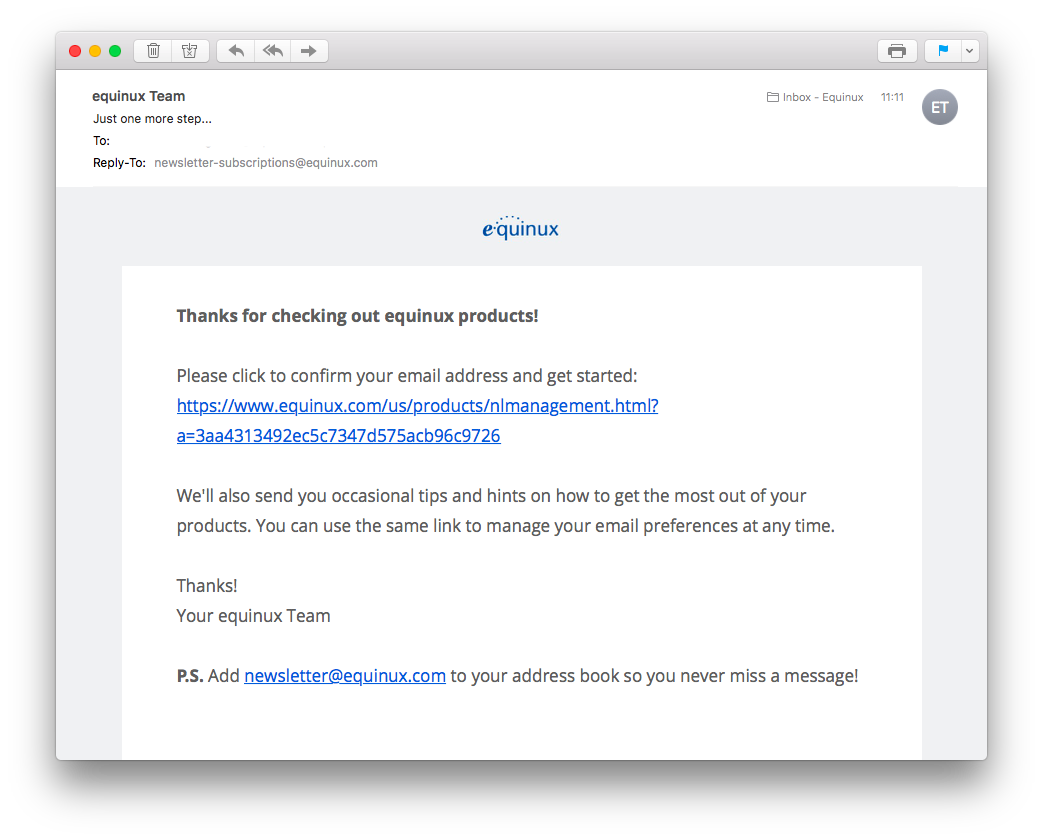
- Next you'll receive an email to the address you used to sign up with:
- Click on the link in the email to verify your address. If you can't find the email in your main inbox, make sure to check your spam folder.
- Once your address has been verified, you will be able to purchase a VPN Tracker 365 plan and set up your own connections.