Frequently Asked Questions
Can I add WeVideo videos to my Mail Designer 365 email template?
Yes, you can add WeVideo videos into your email design using Mail Designer 365. Follow these simple steps:
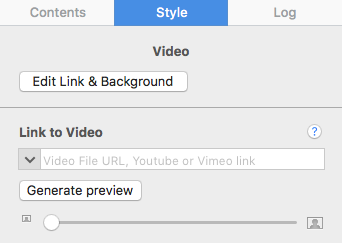
‣ Add a layout block with an image area. ‣ In the "Contents" tab, click on the "Video Placeholder" icon. You can also press Command-5.‣ Drag a video placeholder into an image area.
‣ Paste your WeVideo link into the "Link to Video" field.