




Frequently Asked Questions
Why can’t I save or test my designs in the demo version?
There are a couple of important things to keep in mind when testing Mail Designer 365 for the first time:
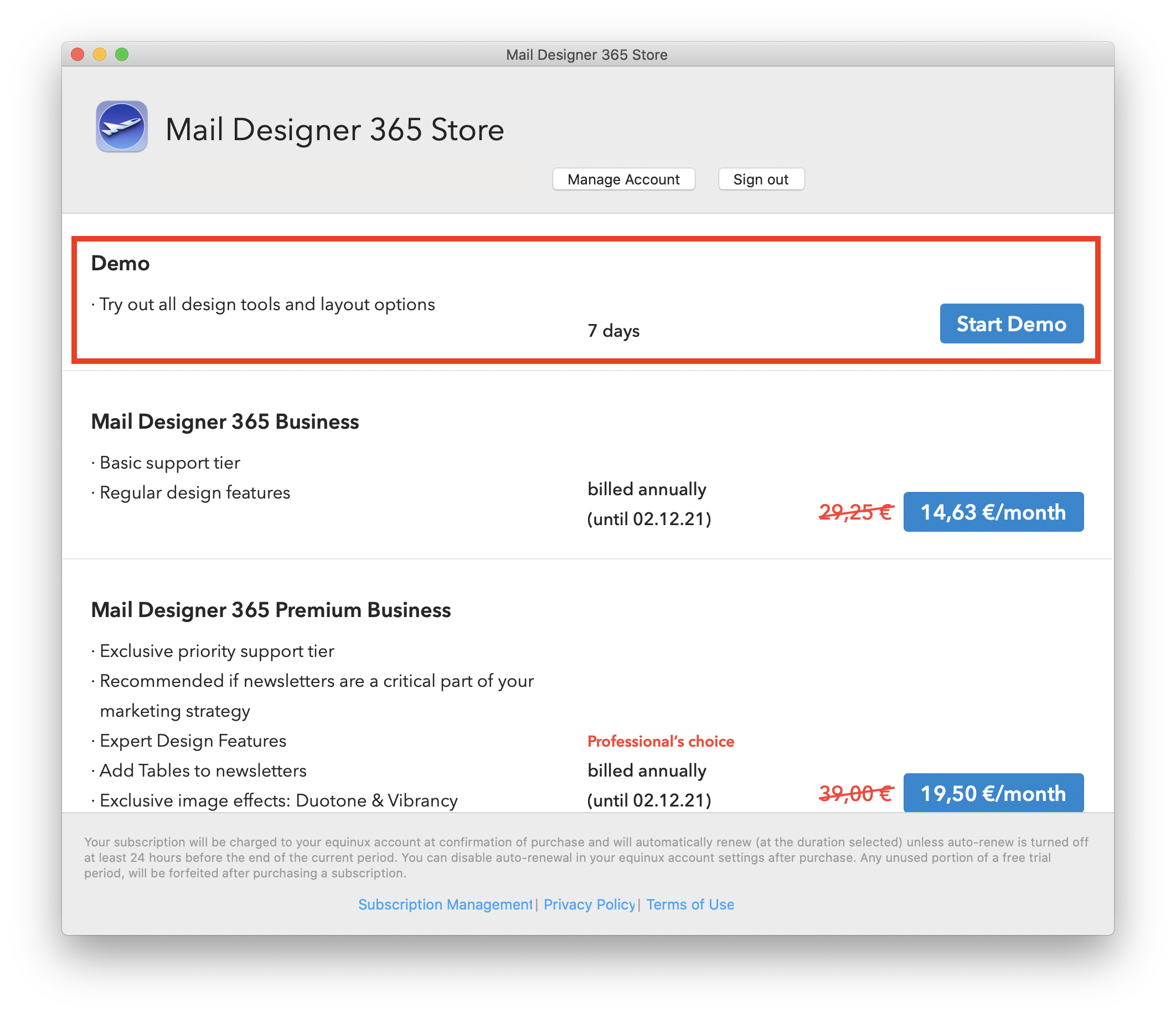
- The Mail Designer 365 free download only allows you to view the app and open and edit email templates.
- Without an active demo, you will be unable to save or send created templates.
Activating your Mail Designer 365 demo
To activate your free demo, please carry out the following steps:- Start the Mail Designer 365 app on your Mac.
- Log in with your equinux ID and password or create an account.
- If you are starting the app for the first time, you will see a list of plan options. Here you can choose to activate your free trial.
- If you have previously logged in to the app, you can find the option to start your free trial in the top left corner under your name.