




Frequently Asked Questions
How do I share a connection using TeamCloud
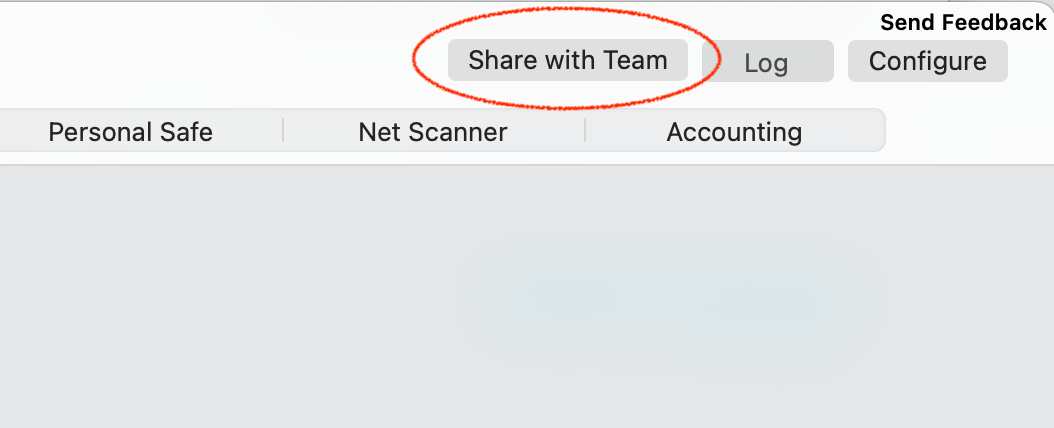
To share a connection using TeamCloud
A note on new users
- You'll need to be a Manager or Organizer in your team – multi-admin support is currently rolling out to teams – reach out if you'd like this enabled for your Team right away.
- Select a connection in VPN Tracker and choose the 'Share with Team' option from the Status or Configure views
A note on new users
The person receiving the connection needs to be a member of your VPN Tracker team and has to have set up their TeamCloud encryption keys.
This happens automatically when they open VPN Tracker and other Team members are online. If another team member is not available, their TeamCloud setup can also be confirmed by a Team manager under my.vpntracker.com.