




Frequently Asked Questions
How can I resize my company logo or photos to fit properly in my emails?
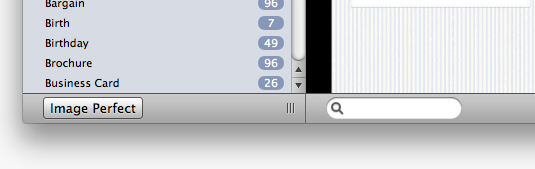
Stationery Pack includes a tool which allows you to resize your pictures so they fit perfectly into a email template drop zone.
To use Stationery Pack Resizer:
‣ Open Stationery Pack Browser
‣ Choose "File" > "Image"
‣ Drag the image you want to convert and resize
‣ Then select the perfect size for your placeholder in the Stationery Pack template. Drag your chosen image size to an email drop zone
The built-in Resizer makes it easier to fit your images for the drop zones. Drag an image into the tool and you'll immediately have a picture that you can use in any Stationery Pack drop zone. Perfect for anything from holiday snaps to professional company logos.