




Frequently Asked Questions
How can I save a connection in my Personal Safe?
Once you have set up a personal VPN connection in VPN Tracker 365, it is best practice to back the connection up in your Personal Safe. This way, you will not have to configure the connection again if you get a new Mac.
To save a connection, right click on the connection in the sidebar and click “Add to Personal Safe ...”
You can see whether or not a connection has been backed up if the Personal Safe icon appears next to it in the sidebar:
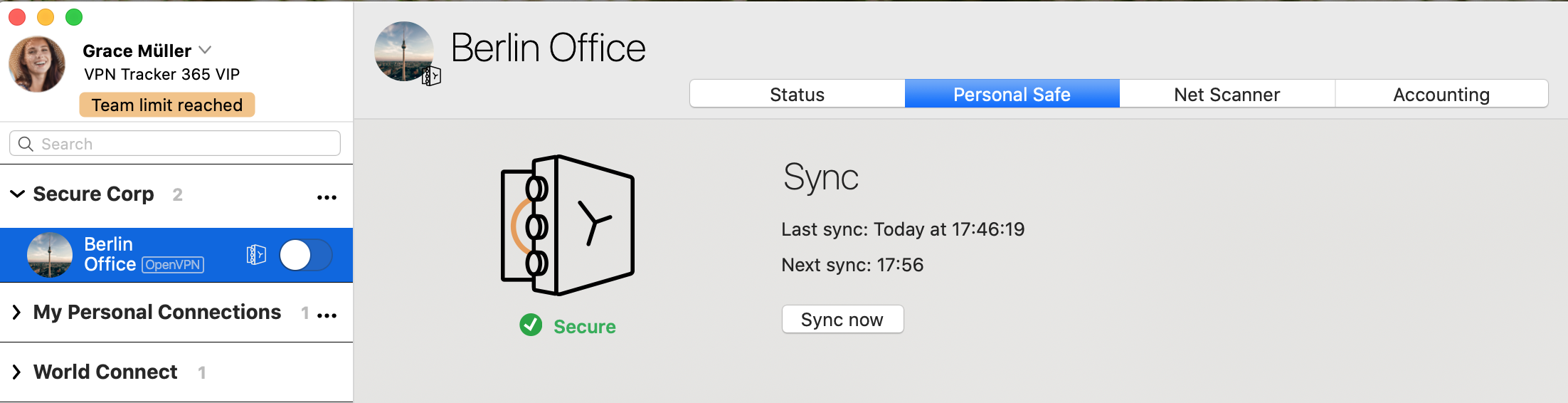 The VPN connection is now saved to your account and can be accessed on a new Mac and on iPhone and iPad with VPN Tracker for iOS.
The VPN connection is now saved to your account and can be accessed on a new Mac and on iPhone and iPad with VPN Tracker for iOS.