




Frequently Asked Questions
How to use your own photos in Stationery Pack?
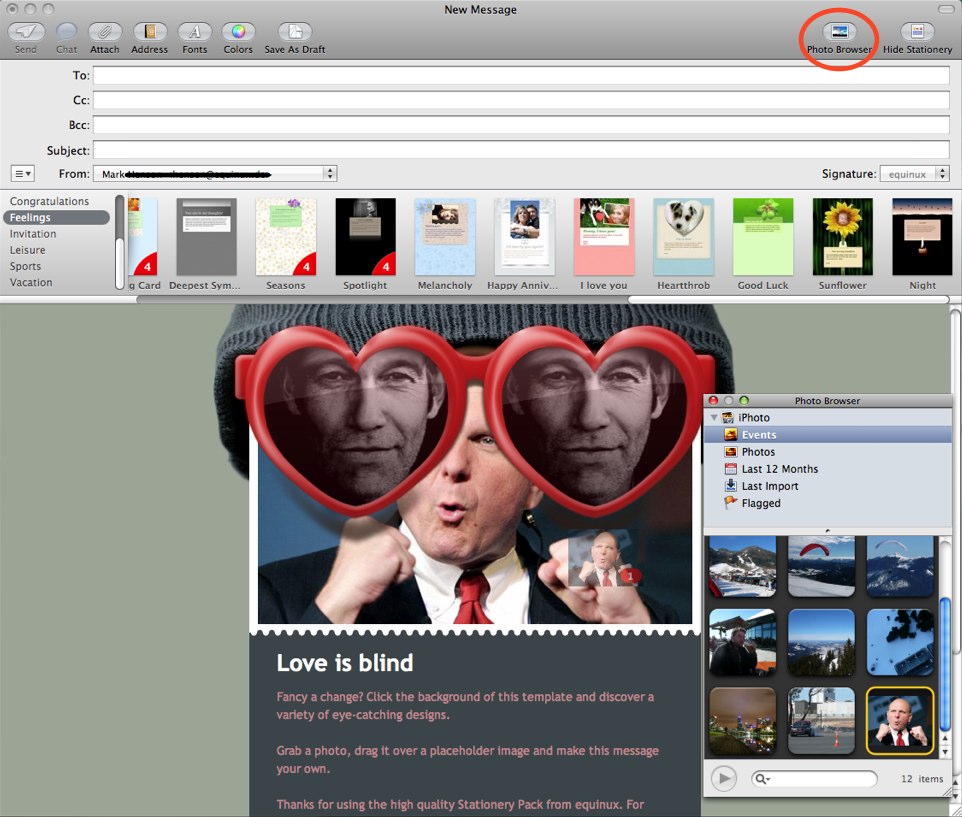
To add images, drag a picture from your desktop or the Finder over a placeholder photo
‣ If you have images on your computer from using Aperture, iPhoto, or Photo Booth, click Photo Browser to view and select those images.
‣ You can drag any folder of images onto the Photo Browser so the images are easily accessible.
‣ If the image is larger than the placeholder photo, double-click the image to display a slider you can use to zoom in on an area of the photo. You can also drag the image around to show a specific area.