




Frequently Asked Questions
How to migrate a Windows PPTP VPN connection to a Mac
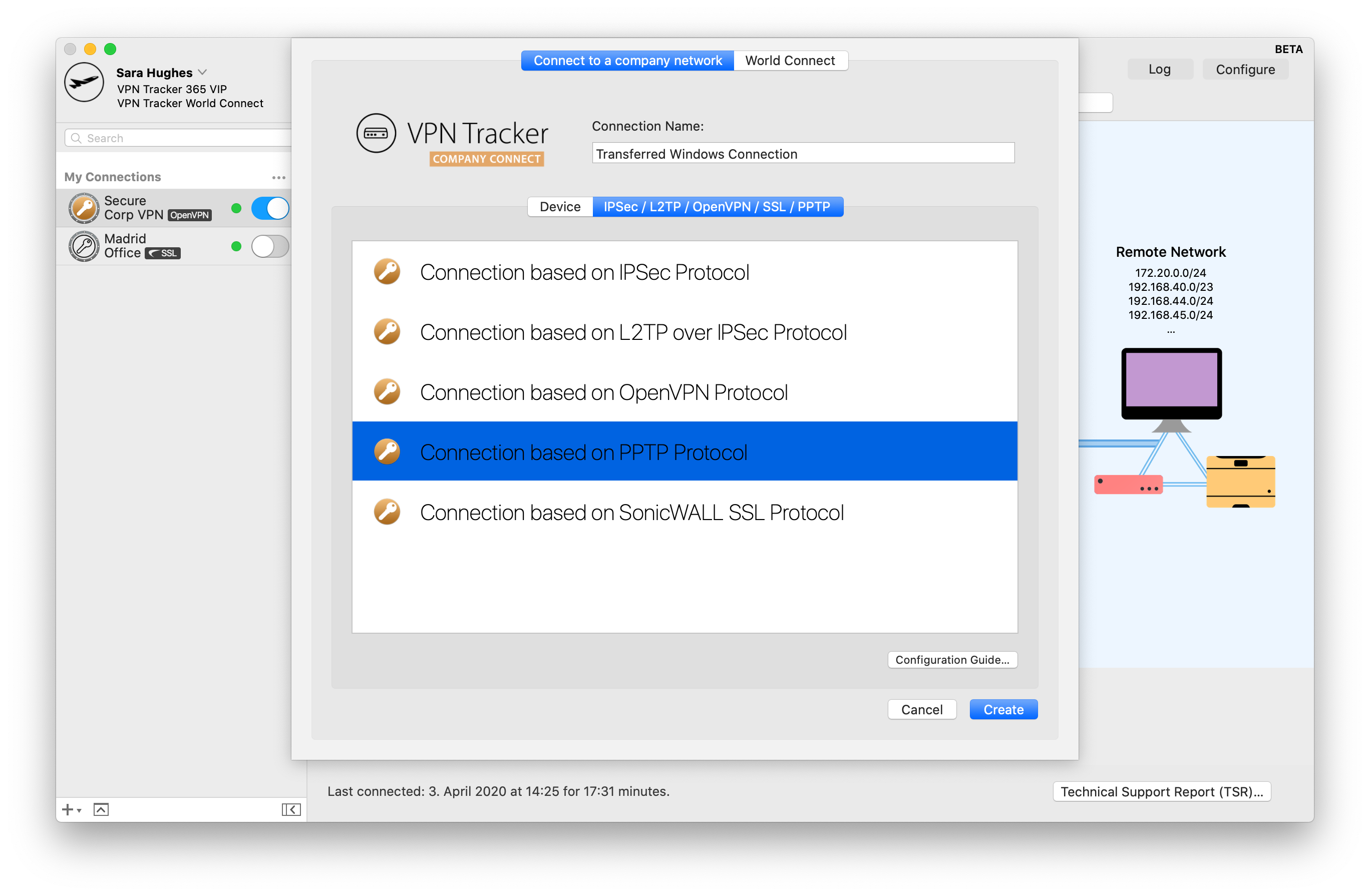
Migrating an existing Windows PPTP VPN connection to a Mac may sound daunting, but with VPN Tracker 365 the process is quick and easy. By the end, you will be able to connect your Mac to your PPTP VPN connection and continue working as normal.
Here's how it works:
 You can now use your Windows PPTP VPN connection on your Mac, thanks to VPN Tracker 365. If you require a more detailed walkthrough, please check out this step-by-step PDF guide: Migrating a Windows PPTP VPN Configuration
Find out more about PPTP VPN under macOS Big Sur
You can now use your Windows PPTP VPN connection on your Mac, thanks to VPN Tracker 365. If you require a more detailed walkthrough, please check out this step-by-step PDF guide: Migrating a Windows PPTP VPN Configuration
Find out more about PPTP VPN under macOS Big Sur
- Find your PPTP VPN connection settings in the Control Panel of your Windows PC
- Start VPN Tracker 365 on your Mac and click the "+" to create a new PPTP connection
- Copy the connection settings from the first step into the configuration window
- Finally, start up your PPTP connection to test
You can now use your Windows PPTP VPN connection on your Mac, thanks to VPN Tracker 365. If you require a more detailed walkthrough, please check out this step-by-step PDF guide: Migrating a Windows PPTP VPN Configuration
Find out more about PPTP VPN under macOS Big Sur