




Frequently Asked Questions
Can I use multiple text styles within a text area in Mail Designer 365?
Yes, you can use multiple text styles within a text area. However, you can only assign one text style per paragraph.
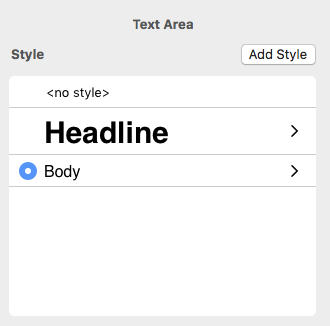 You also have the freedom of choosing different fonts and font colors for your text within a given text area. This is not limited to one font per paragraph.
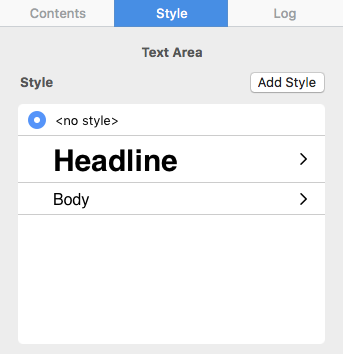
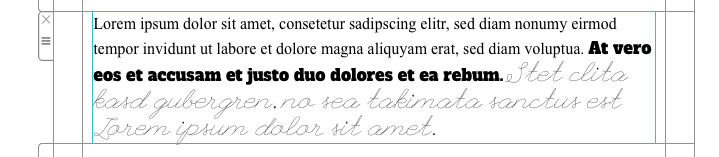 In order to assign different fonts within a paragraph, you must first select "no style" on the right side of your screen. Then, you can select the text that you want to change and assign it with its own font, font size, font color, etc.
You also have the freedom of choosing different fonts and font colors for your text within a given text area. This is not limited to one font per paragraph.
In order to assign different fonts within a paragraph, you must first select "no style" on the right side of your screen. Then, you can select the text that you want to change and assign it with its own font, font size, font color, etc.